About Adding Action Information to Email Messages
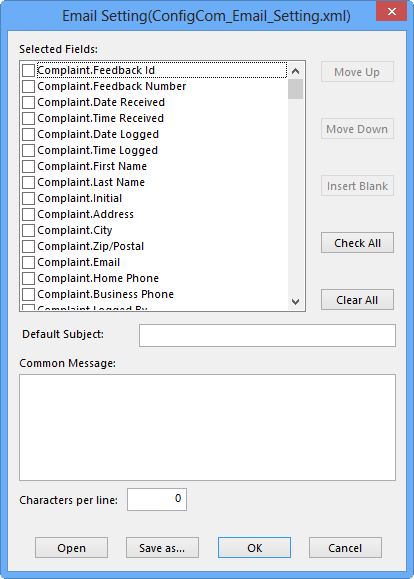
In addition to the original feedback content that appears in the right section of the COM Investigator screen, you can also include information that exclusively concerns investigator actions (in the bottom right pane).
In the Email Setting dialog, scroll down the list of fields. At the bottom of the list are Action fields that you can display or exclude from the email message.