
Opening Workspaces
You can open workspaces using the Load Workspace dialog or the Workspace shortcut menu.
-
Do one of the following: steps:
- Click .
- To open the workspace set as the default, click .
- Select the name of the workspace you want to open directly from the Workspaces shortcut menu.
The Load Workspace dialog opens. If you are not authorized to access the selected workspace, an error message appears.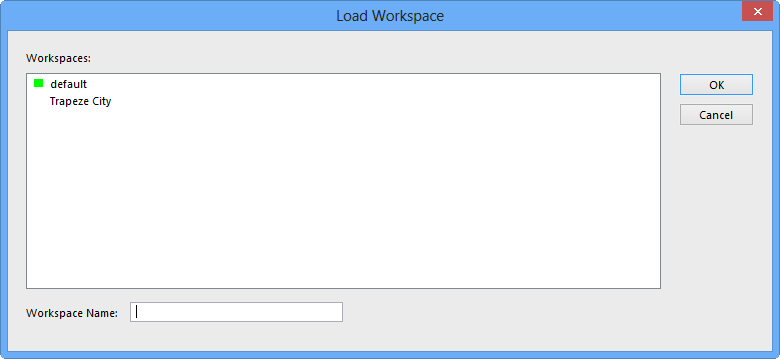
-
Select the workspace you want to open.
The Workspace Name field displays the name of the selected workspace.
-
Click OK.
Tip: If you close all open screens before you exit the system, the workspace is loaded more quickly the next time you log on.