
Viewing and Setting Trapeze6 Properties
Trapeze6 properties (also called context properties) control the behavior and appearance of your system.
-
Select .
Depending on your system setup, Properties may be found in a different location.
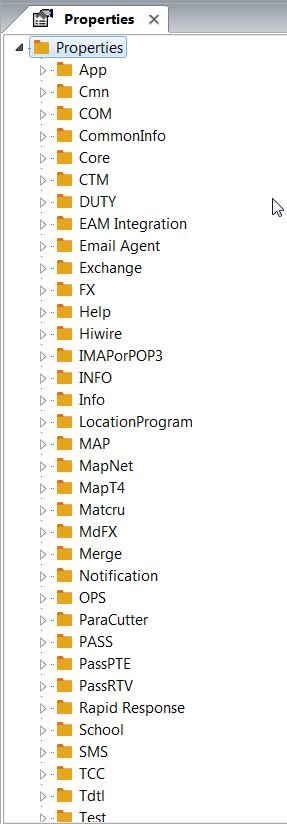
-
Do one of the following:
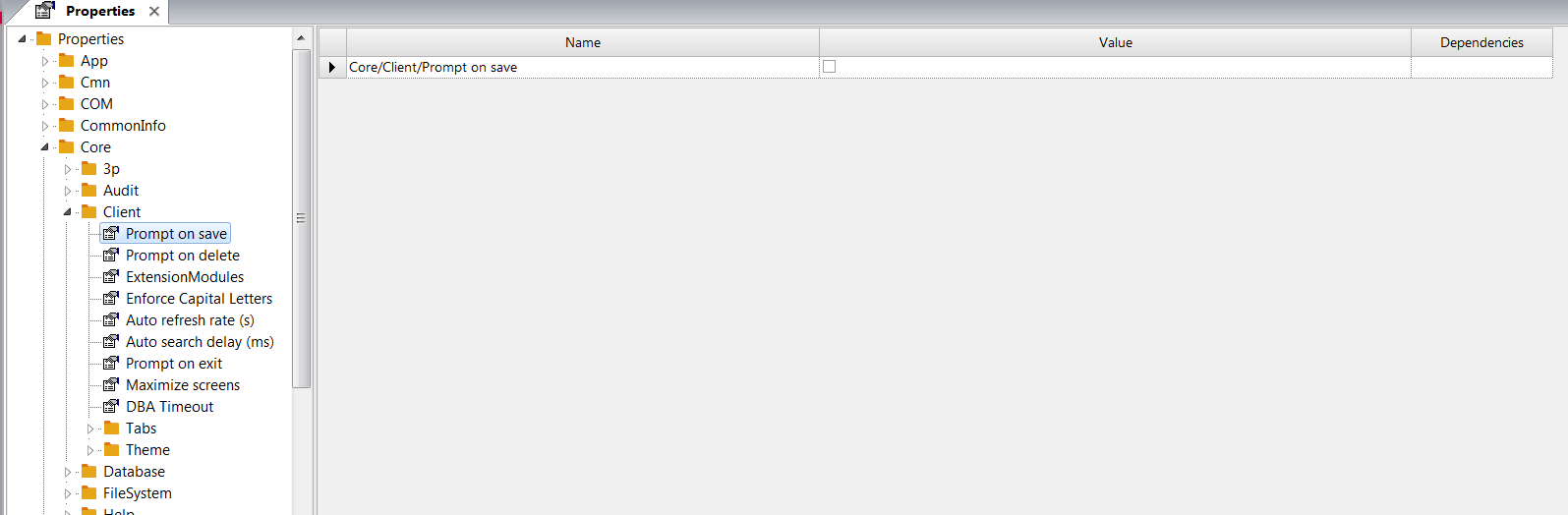
- Navigate through the folders in the left pane until you find the
property to view or set.
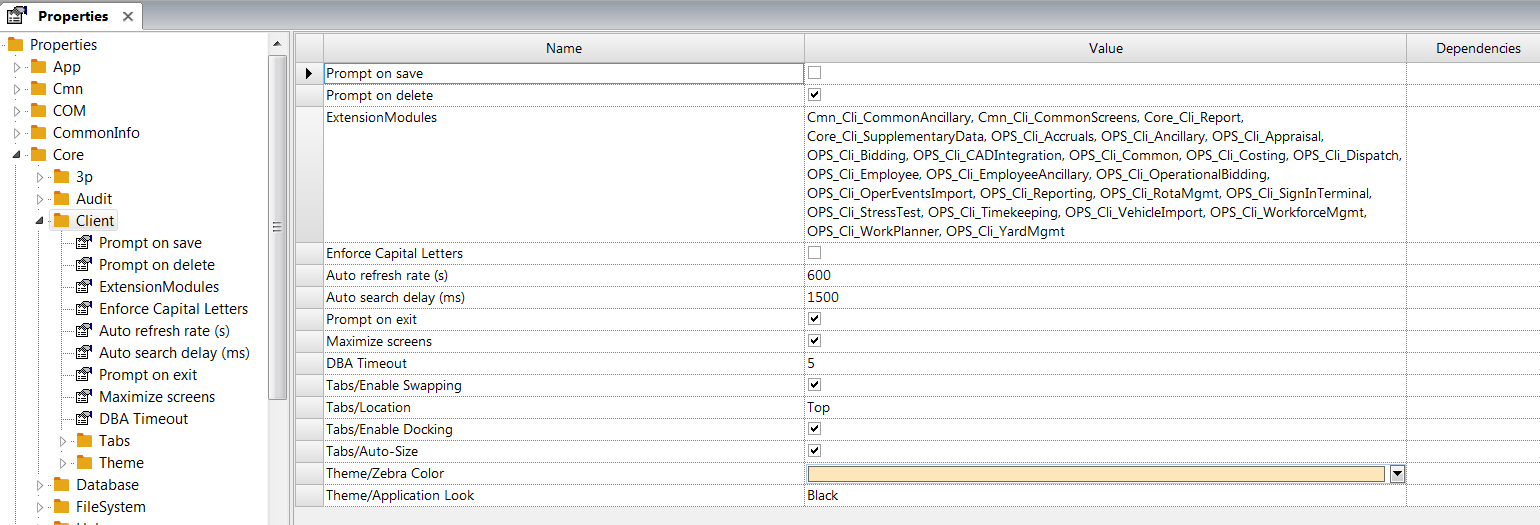
- Click on the top level folder. All properties within the folder and its
subfolders are shown in the right pane. Select the property to view or
set.
- Navigate through the folders in the left pane until you find the
property to view or set.
- Click the Save button:
