Place text in quotation marks for exact match search results.
Setting Screen Information Parameters
The Screen Information screen is useful in adding fields from a
COM table that you want to view in any of the COM screens.
Set the context for the Screen Information screen.
In the Table Name column, select a table, for example,
InvestigatorActions.
In the FieldName column, select the field which you want to be
displayed on the screen.
Set or select the parameters in the other columns such as Caption and Style, that you want to apply.
Click the Save button:
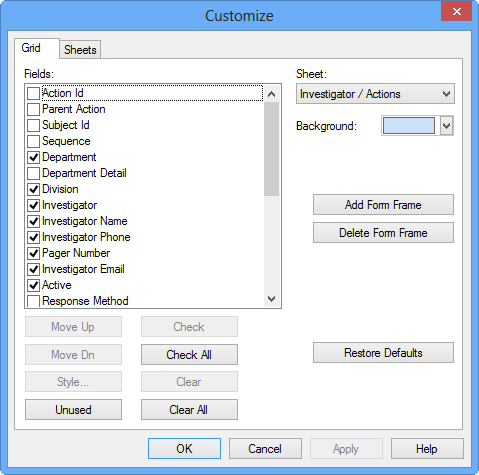
The fields for which you set parameters are shown on the Grid tab of the Customize dialog
box of the screen where the fields apply. The following graphic shows the selected fields
from the InvestigatorActions table.
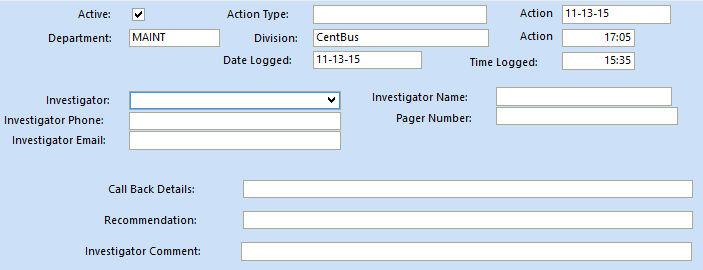
The selected fields are shown in the Actions pane of the
COM Investigator screen: