
About Checklists
DriverMate can display checklists on the login screen after sign on, or before sign off.
Checklists are customized questions typically created by Supervisors and Drive Auditors in a Transit agency. These are specific tasks a driver must perform before starting a vehicle, or before signing off one.
Checklist questions are displayed in a pop-up window. Each checklist question must be
answered by tapping Yes or No, and then
tapping Complete to verify that the checklist has been
completed.
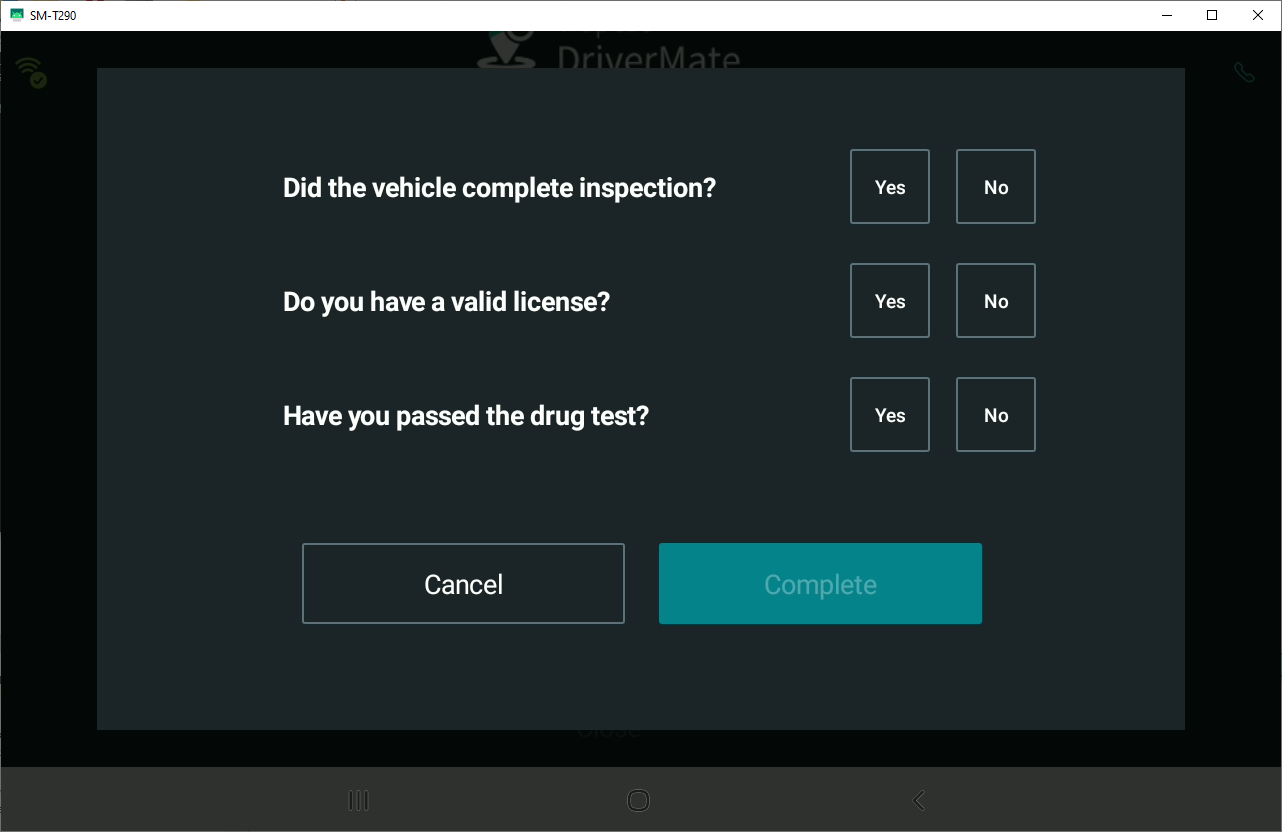
Check list questions are defined in the Trapeze4 workstation, in . See the PASS System Administrator and User Guide for how to create checklists for DriverMate.