
Collecting Fares
If your transit agency allows fares to be collected during trips, upon marking a pick-up event as Arrived, you can collect a passenger's fare. This also marks the event as Performed.
Procedure
-
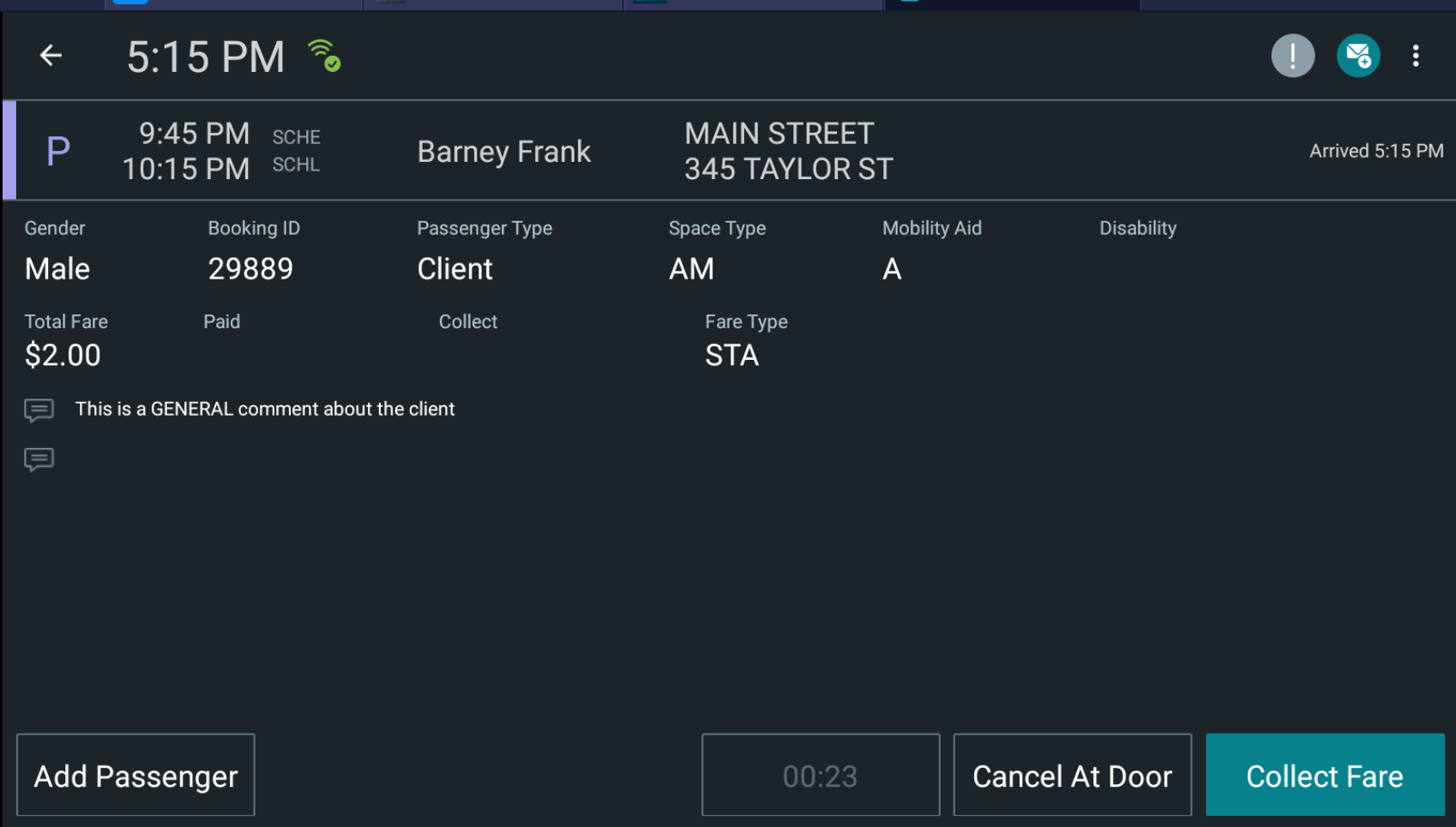
Tap the event that has already been marked as Arrived.
The screen with event details is displayed.
-
Tap Collect Fare.
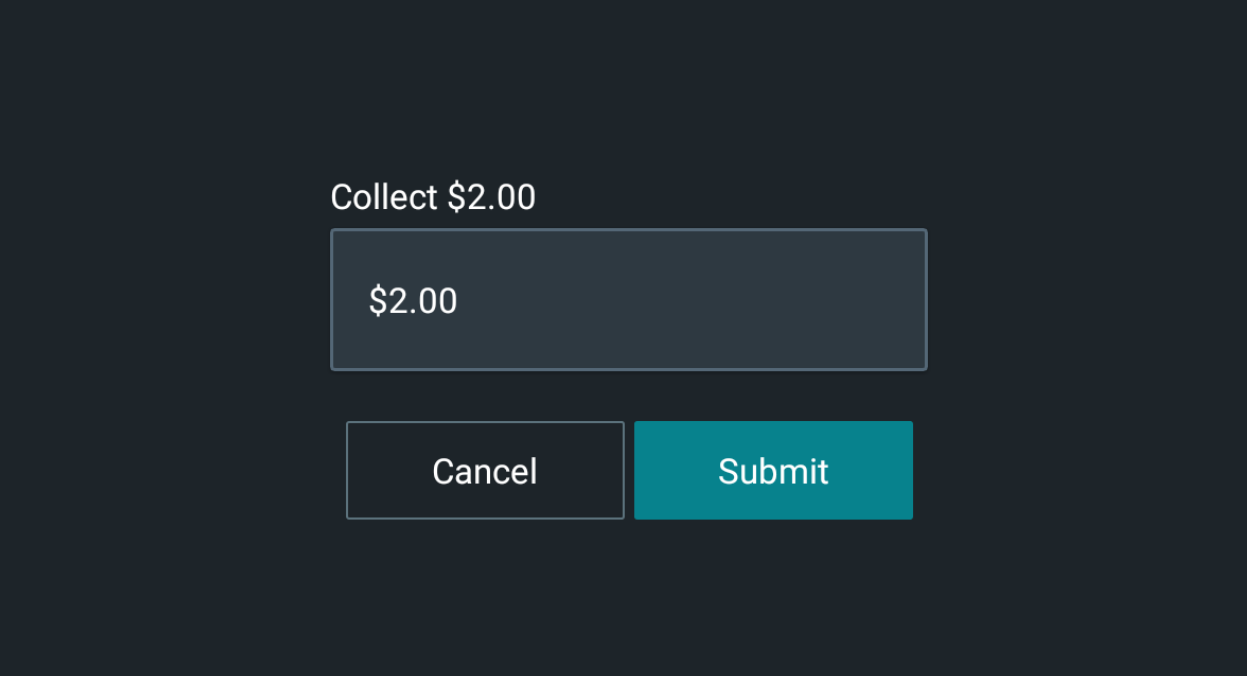
The screen shows the amount to be collected.
-
Confirm the amount or revise it, if necessary, and then tap
Submit.
The event is automatically Performed and removed from the manifest.