About Configuring DriverMate
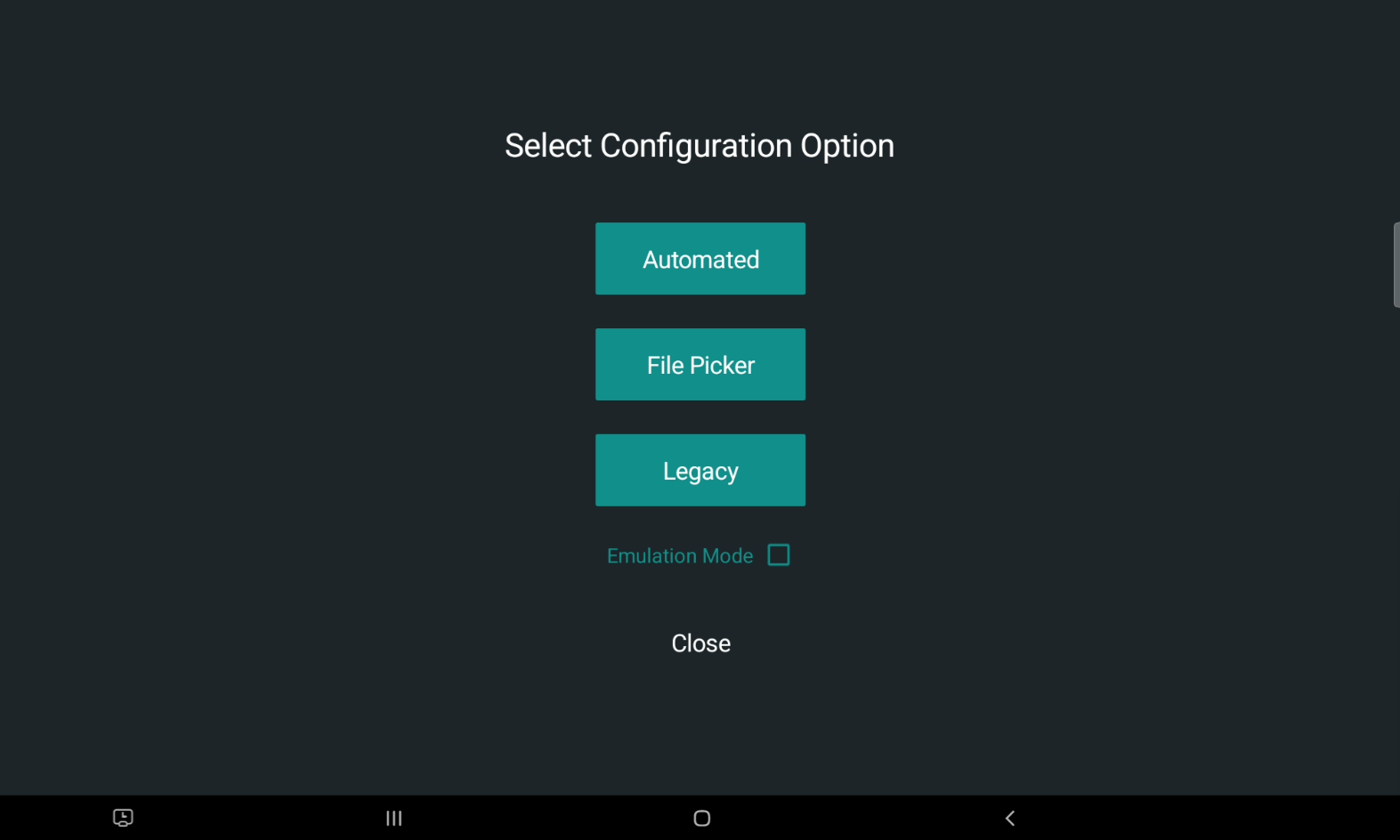
After DriverMate is installed, the Configuration screen will be displayed before users can log in.
The Configuration screen provides three configuring options: Automated, File Picker, and Legacy. Deciding which option to choose will depend on how much control you want over setting the DriverMate properties.
Once the configuration has completed successfully then the next time DriverMate is
launched, the login screen will be displayed. The only way to reset the configuration
method is to re-install (uninstall and then install) DriverMate.