Workflows refer to
the sequence of events and the actions associated with them to complete the trips listed in a
manifest.
Each manifest begins with the driver's login to DriverMate and the vehicle pull-out
from a garage and ends with the vehicle pull-in to a garage and the driver logout from the
application.
Events may have one or several actions associated with them. The following
diagrams illustrate single and multiple events:
Single Revenue Event
The simplest workflow involves a pair of pick-up and drop-off trips for a passenger.
To complete the event, perform the following actions:
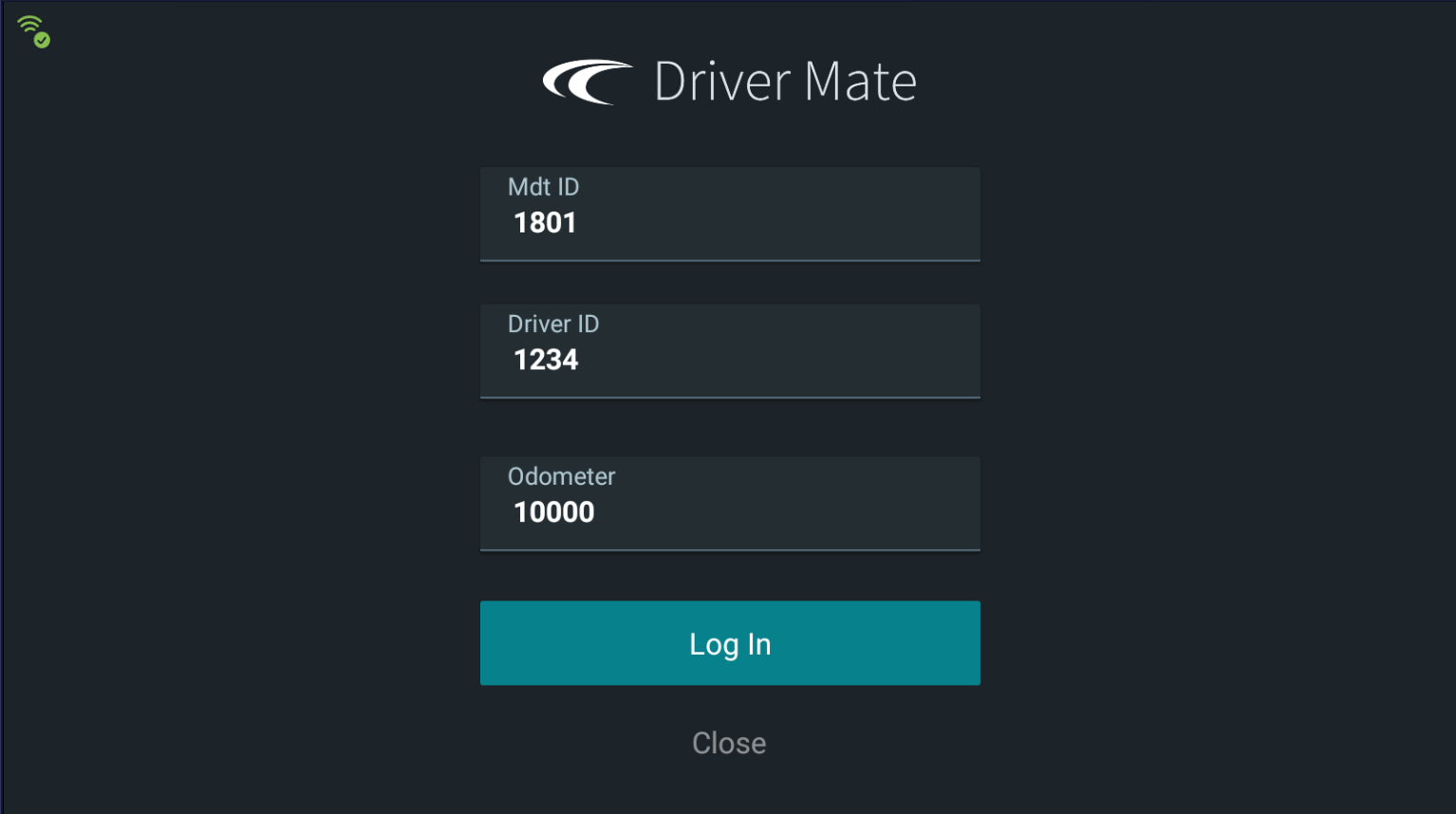
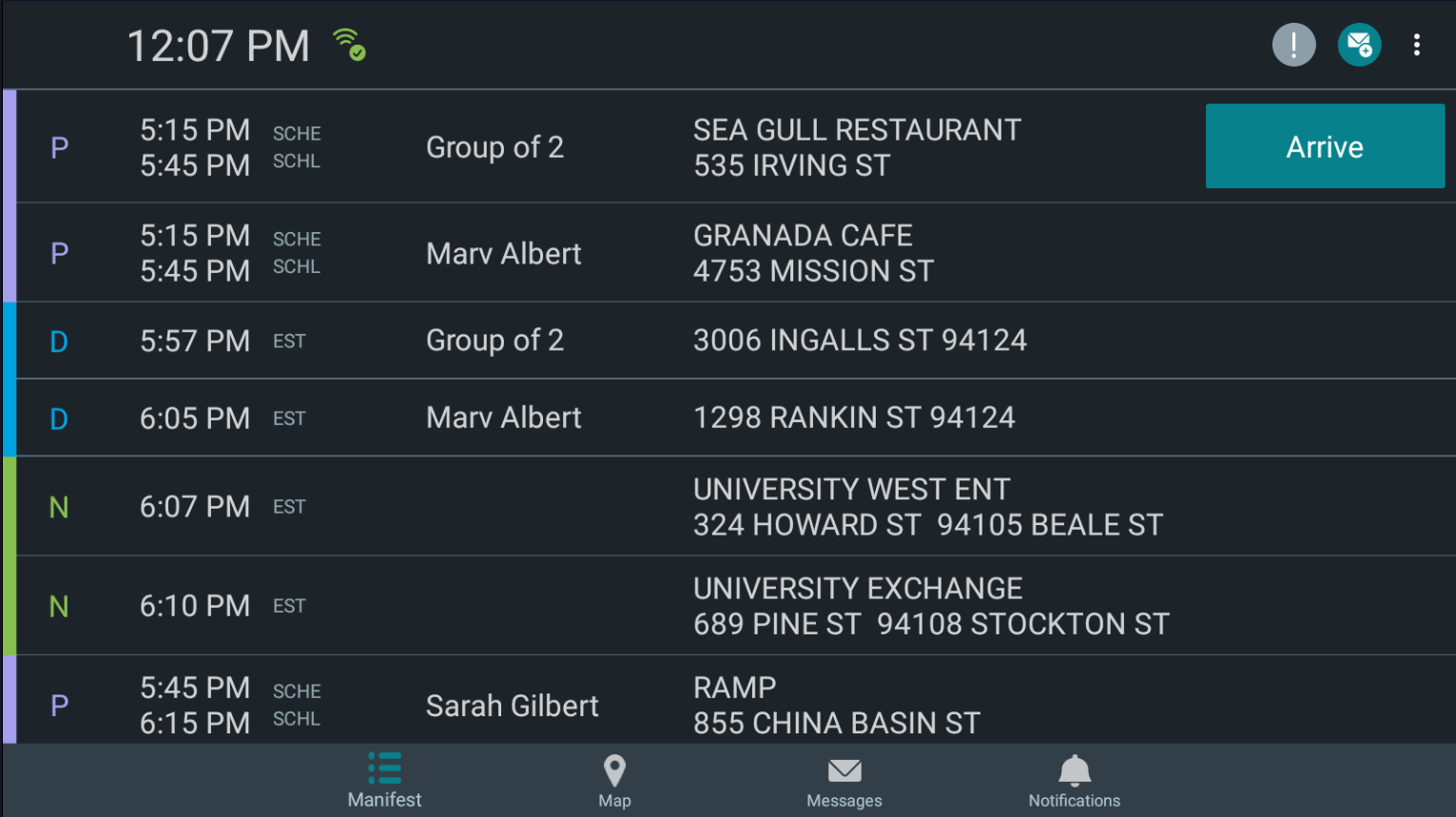
Log in to DriverMate. After you log in, the manifest is shown with the pick-up and drop-off
information.
Pull out from the garage.
(Execute the Arrive
and Perform actions to complete the Pull-Out event.)
Pick up the passenger at the location and time designated in the manifest. (Execute
the Arrive and Perform actions to complete the Pick-Up event.)
Drop off the passenger at the location and time designated in the manifest (Execute
the Arrive and Perform actions to complete the Drop-Off event.)
Return the vehicle to the garage.
(Execute the Arrive
and Perform actions to complete the Pull-In event.)
Log out of DriverMate.
Multiple Revenue Events
Typically, a driver is given a manifest that contains assigned several pick-ups and
drop-offs.
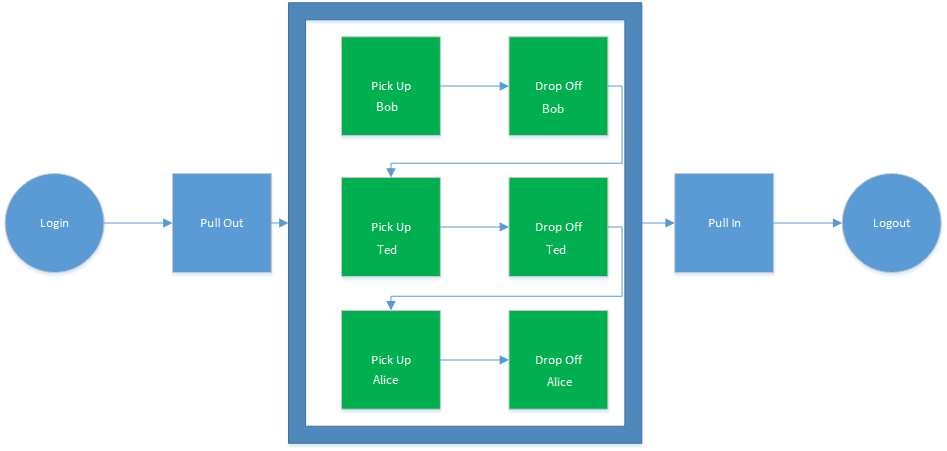
Multiple Pick-Ups and Drop-Offs in Parallel Order
This example shows that the driver picks up and drops off one passenger before proceeding
to do the same for another passenger.
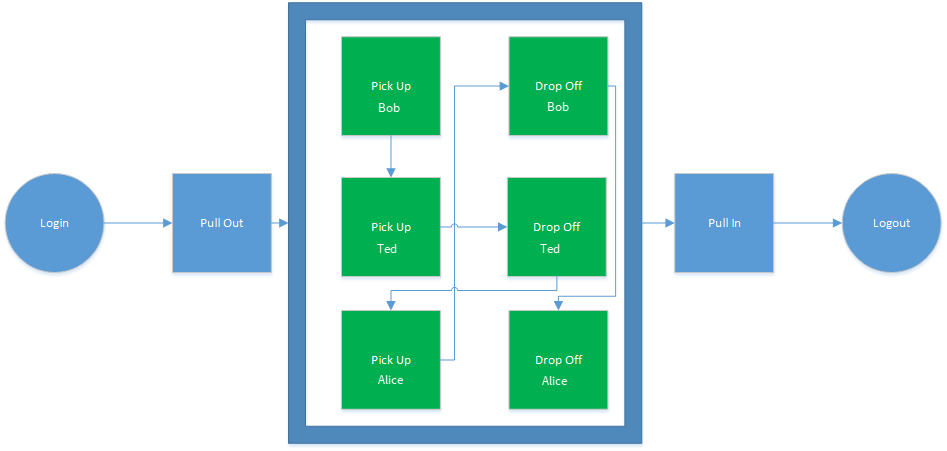
Multiple Pick-Ups and Drop-Offs Intermingled for Route Efficiency
For schedule efficiency, pick-ups and drop-offs are often intermingled as shown in the
following diagram. Note the arrows that connect the pick-ups and drop-offs to show the
sequence of actions.
Any combination that produces the most efficient routing is valid as long as every pick-up
has a drop-off.
The only difference between the two types of workflow is the number and order of events.
The actions you must execute to move from event to event remain the same.