
Extracting Patterns
If you worked directly on the Trip Building screen and built your trip schedules without patterns, you can apply the Extract feature, which pulls out, in an abstract sense, the patterns from the trip schedules for you.
Procedure
-
On the Patterns tab, click or click Edit:

The Patterns Edit dialog box appears.
-
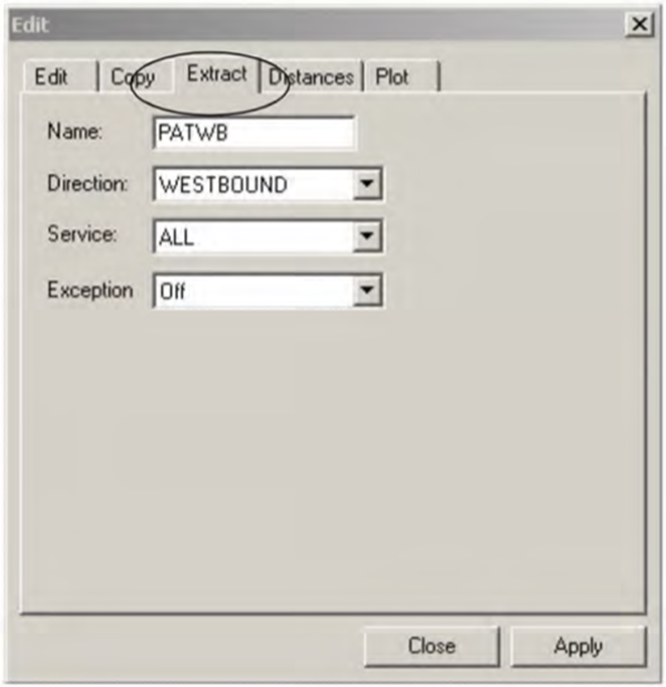
Select the Extract tab.
 Note:
Note:The system automatically generates a name for the data to be extracted. You can overwrite the system-generated name with a name according to your site’s naming convention.
- To change the default data, select what you want to apply in the Direction, Service, and Exception drop-down lists, as applicable.
-
Click Apply.
If you have several patterns, the system automatically provides them with numbers arranged in sequence.
- Click Close.