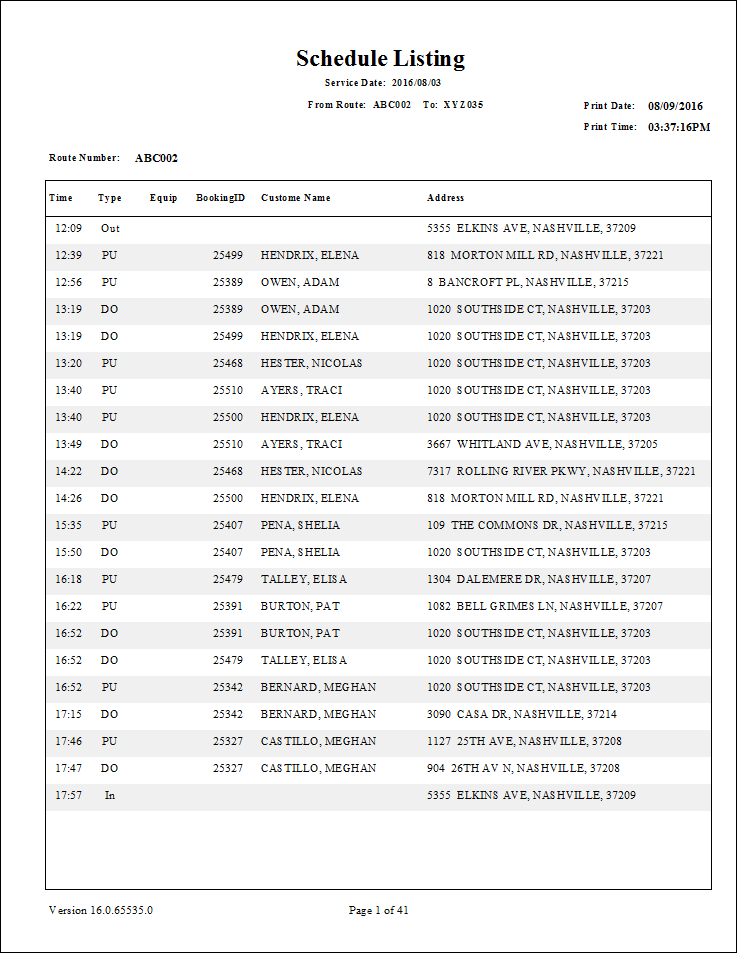
Schedule List Report
The Schedule List report shows a route for a service date as scheduled in the Schedule Editor.
This report could be used as a driver's manifest, but it does not contain any faring or funding source information. It is useful as a paper copy for dispatchers in case the computer network is unavailable.
| Parameter | Description |
|---|---|
| Schedule Type | Schedule type included in the report. |
| Date/Weekday | Specifies whether the report is for specific date or day of the week. Choose the
option appropriate for the schedule type:
|
| From Route | First route in the report. |
| To Route | Last route in the report. |
| Providers | If All is selected, records for all providers appear in the report. If All is cleared, select individual providers from the list. The options available to you depend on provider security. |