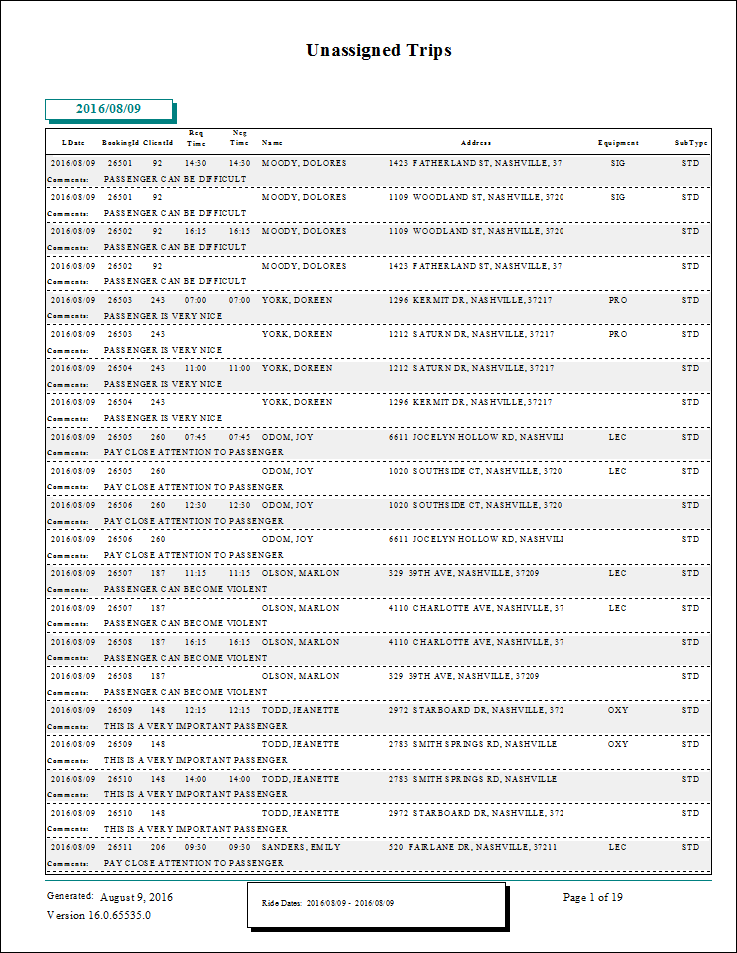
Unassigned Trips Report
The Unassigned Trips report shows all unassigned trips. Pick-ups and drop-offs are shown in time sequence order.
| Parameter | Description |
|---|---|
| Schedule Type | Schedule type included in the report. |
| Date/Weekday | Specifies whether the report is for specific dates or days of the week. Choose
the option appropriate for the schedule type:
|
| Suppress Pickup Shading | If selected, pick-up records are not shaded in the report. If cleared, pick-up records are shaded grey in the report. |