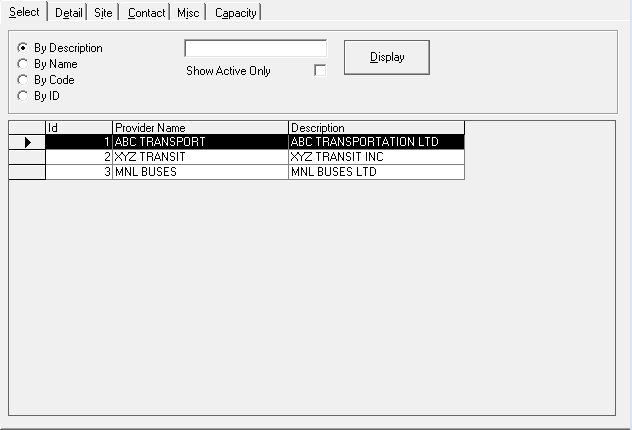
Opening Providers
Provider records are created and managed in Providers ancillary data in the Trapeze4 Workstation.
Before you begin
Procedure
Do one of the following:
- Click .
- Click the Providers button:

Providers ancillary data appears.