
Handling Emergency Messages
Emergency messages must be cleared before new trips can be sent to the driver.
About this task
Procedure
-
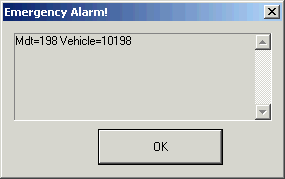
Click OK.
The emergency message record is highlighted in red:

-
Respond to the message according to your transit site’s policies.
No other trips can be sent to the driver until the situation is cleared.
- Select the emergency record.
-
Click the Toggle Done button:

The message is cleared from the list.