
About Vehicles
The following graphic shows the Vehicles step of Manage Rules.
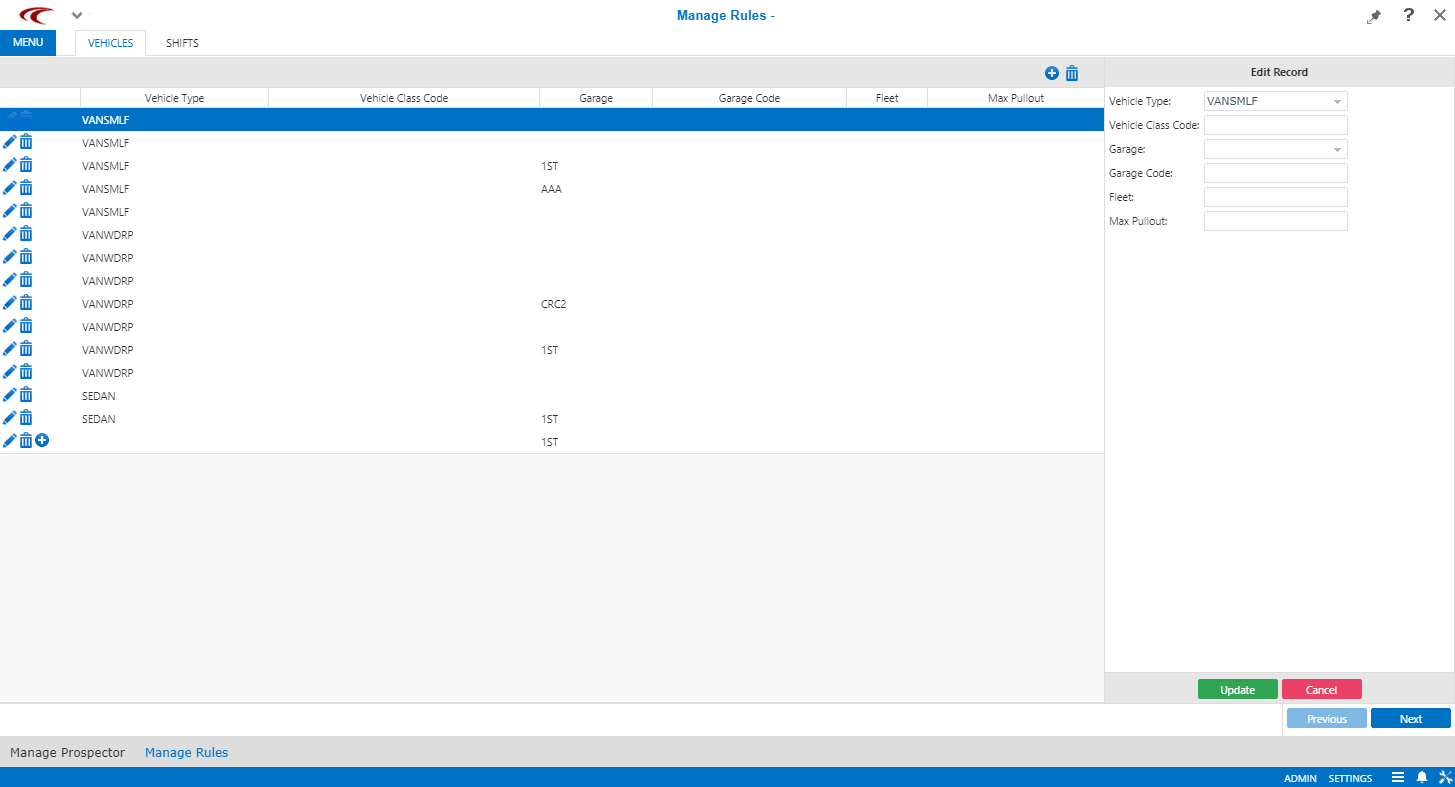
The Vehicles step shows all of the vehicle types you have defined in
PASS. You may add or delete vehicle types as needed.
Note: When you delete a vehicle type in
this step, the vehicle type is not deleted from PASS, it is only deleted from
ParaCutter.
Initially, Prospector does not support requiring a minimum number of vehicles by vehicle type in any time slot. For example, you might want to require that at least two vehicles after 8:00 P.M. be lift-equipped. (This may change in a future release.) In this version, there is no need to adjust the vehicle types that are extracted from PASS.