
Uncutting Pieces
When you uncut pieces from a run, they are moved from the Cut Pieces grid to the Uncut Pieces grid.
- Select the runs or pieces that you want to uncut.
-
Perform one of the following steps:
- Right click on a selected run or piece, and on the shortcut menu, click Uncut Piece.
- On the footer, click Uncut Pieces:

The Uncut dialog appears.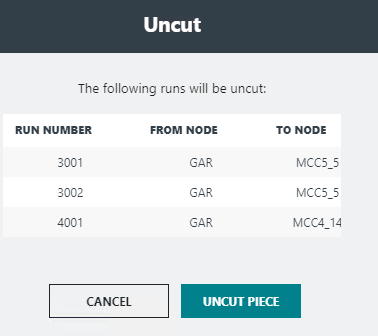
-
Click Uncut Piece.
The pieces that have been uncut appear in the Blocks grid on the right section of the screen.