
Performing Custom Queries
With a custom query, you can search for point records without using the options listed in the Filters pane.
-
Click Points on the Stop Manager
list.
The Points screen appears.
-
Select the Custom query check box.
The fields in the Filter pane are no longer shown.
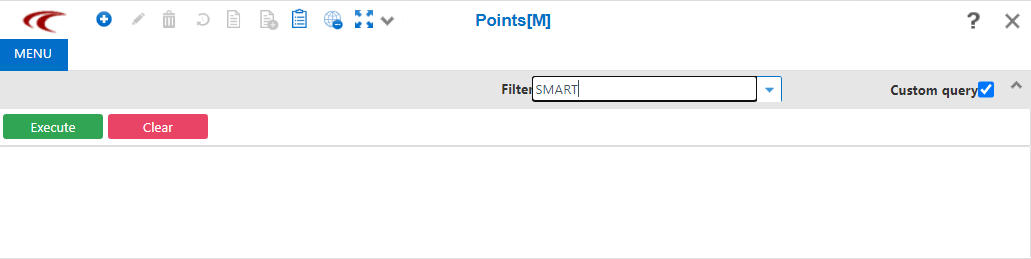
- Enter your custom query.
-
Click .
Note: You are unable to delete records in the search results from a Custom Query.