
Setting Layouts
Parameter Layout allows you to arrange and customize the parameters shown on the Reports screen options when running the report.
-
In the BSM portal, click Report Designer on the
Reports list.
The Report Designer screen appears.
- Create a new report or open an existing report.
-
If working on a new report, enter the name of the report in the Report
Name field and click OK.
If working on an existing report, click Edit.
-
In the left vertical toolbar, click the Parameter Layout button:
 .
The Parameter Layout screen is displayed.
.
The Parameter Layout screen is displayed.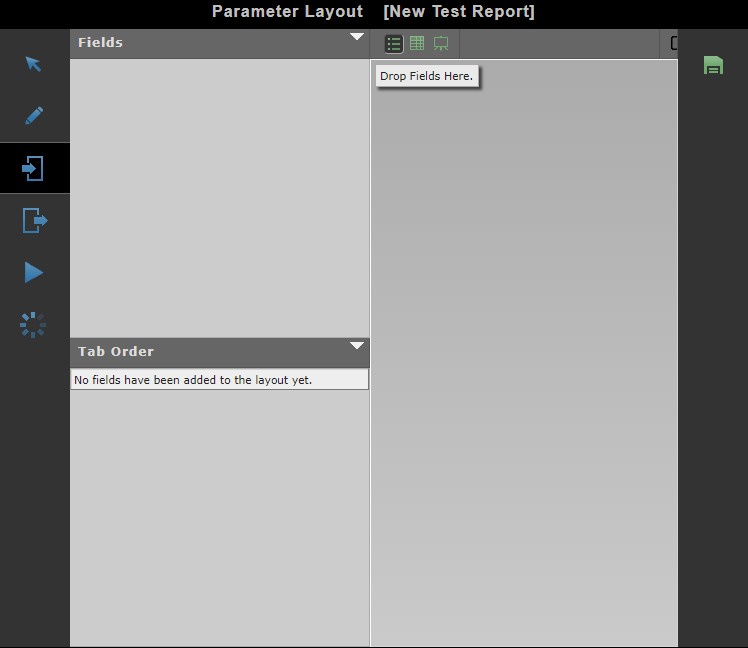
- Perform the appropriate steps as required to set the layout.
-
Click the Save button:
