Loading Block Scenarios
Load block scenarios that you want to reuse or modify.
-
Perform one of the following steps:
- In the main menu, click .
- Click the Block Scenario button:

The Block Scenarios dialog appears.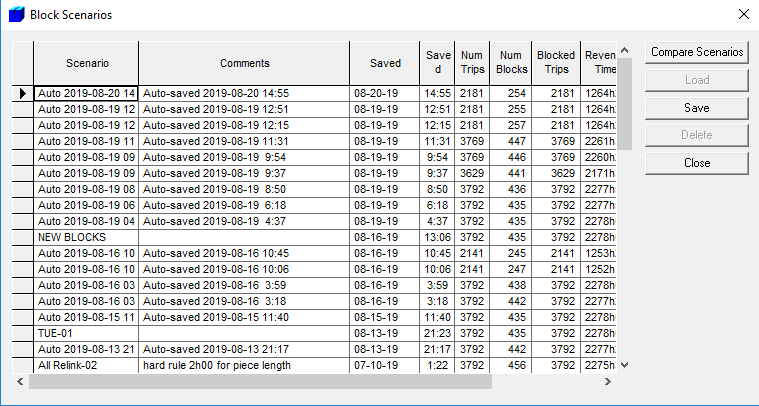
- Click the scenario that you want to load.
-
Click Load.
A message appears advising you of the number of blocks that have been loaded.
- Click OK.
-
In the Block Scenarios dialog, click Close.
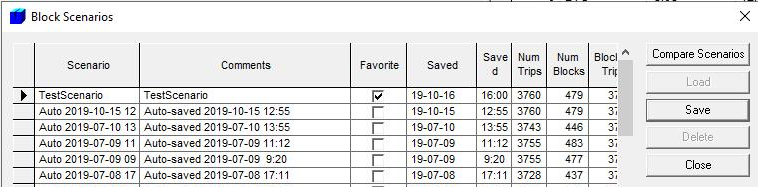
If you marked a block scenario as a favorite when you saved it, the Favorite column is shown in the Block Scenarios dialog. The Favorite checkbox of the block scenarios is selected as shown in the following example: