The BlockBuster Parameters Report provides another way of
viewing the list of the parameters that you are using organized by Situation together in one
screen.
Make sure that you have added BlockBuster Parameters Report
as an extension when you configured your BlockBuster screen.
Click BlockBuster Parameters Report. (This may have been
added as an option in your Tools menu or
Navigation pane.)
Perform one of the following steps:
Press F3 on your keyboard.
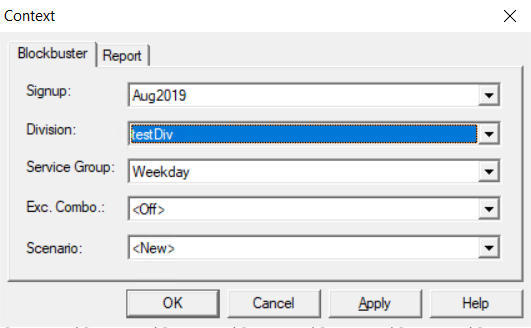
Click View > Context.
The Context dialog appears.
On the BlockBuster tab, select the appropriate options
in the different fields.
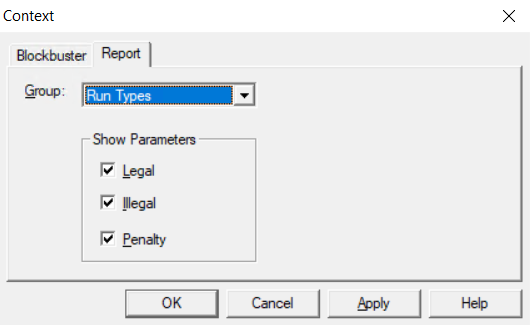
On the Report tab, perform the following steps:
In the Group drop-down list, select the Group
whose parameters you want to view.
In the Show Parameters pane, select the type
that you want to view:
Illegal
Legal
Penalty
Click OK.
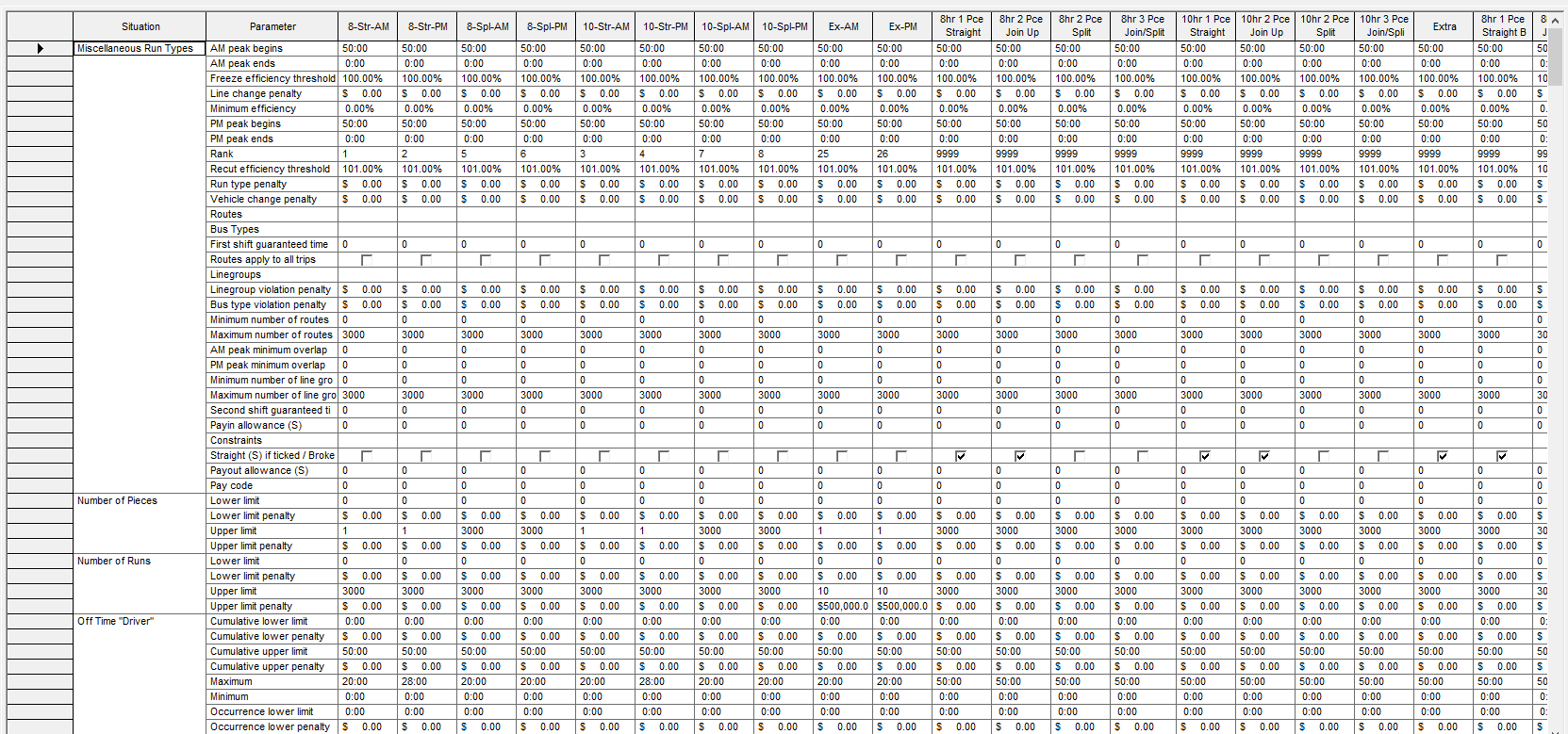
The BlockBuster Parameters Report screen appears.
All the parameter values organized by Situation and Parameter of the
selected Group in the context are shown.