Converting *.dbq Files to *.sql Files
Older *.dbq files can be converted into *.sql files that will work with newer versions of Trapeze software.
-
Navigate to and double-click dbq2sql.exe.

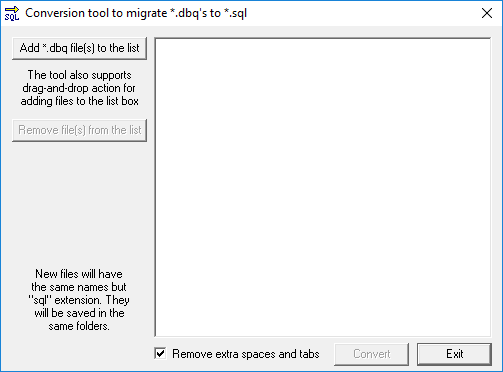
This file is found in the TP4 folder that contains Mmsw41.exe. dbq2sql.exe is a command line tool that can process *.dbq files and turn them into *.sql files.Depending on your system setup, you may need to run the .exe file as Administrator.The Conversion tool to migrate to *.dbq's to *.sql dialog box appears.Figure 1. Conversion tool to migrate dbqs