Place text in quotation marks for exact match search results.
Adding Services
Services are sign-up dependent which is why you must make sure you are working with the correct context (for example, sign-up period).
Press F3 and set the context you want to work with. See Setting the Mode for instructions on setting the
mode.
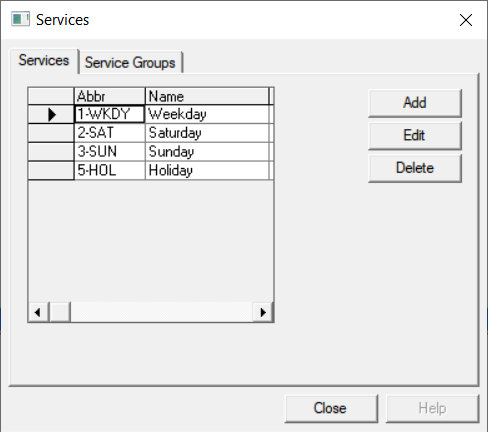
Click File > Ancillary Data > Fixed > Services.
The Services ancillary data dialog box opens.
Click Add.
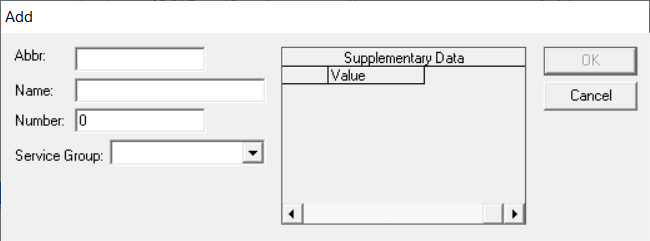
The Add dialog box opens.
Perform one of the following steps:
In the Abbr field, type an abbreviated name for the
service. The Service Group field is automatically populated with
the same abbreviation as the service.
From the Service Group drop-down list, assign another
service group to the service.
In the Name field, type a full name for the service.
In the Number field, type a day code for the service; for
example, 1 for Weekday, 6 for Saturday, and 7 for Sunday.
Check the policy at your site regarding services.
Optional: Type any site-specific supplementary data as defined by your site
as applicable.