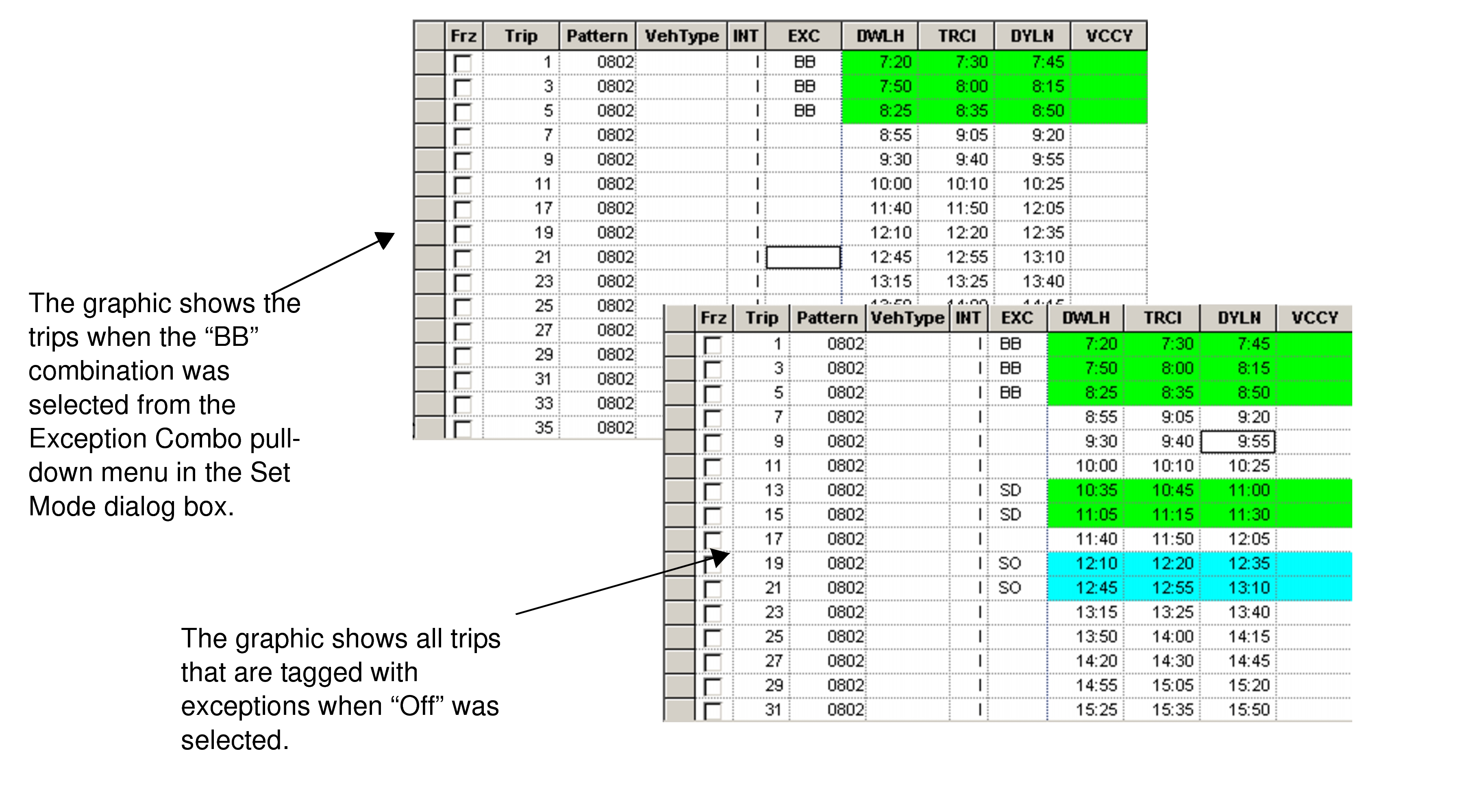
Applying Exceptions to Trips
You can apply exceptions to trips directly on the Trips grid.
-
Click the EXC field of the appropriate trip.
The Exceptions dialog box displays the list of exceptions.
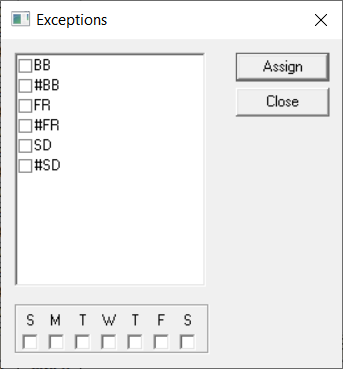 Note: To properly view the exceptions, adjust the size of the dialog box accordingly.
 -
Click Close.
Exceptions can also be assigned to trips on either the Add or Builds tab in the Trip Building Edit dialog box.