
Deleting Agencies
You can remove agencies that may no longer exist or are no longer part of the multi-agency environment in which you are working.
- In the Agencies dialog, highlight the record to be deleted.
-
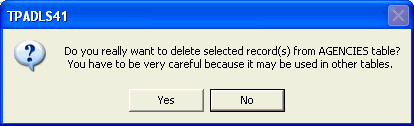
Click Delete. A warning asking you to confirm the delete action
and advising you that the record may be in use in other tables.
- Click Yes.
- Click Close.