
Editing Ancillary Supplementary Data
The steps in editing Ancillary supplementary data are the same for all the types of ancillary data that have supplementary data.
-
For supplementary data associated with Divisions,
Lines, and Services, click and select the ancillary data you want to edit.
Within the respective ancillary data dialoges, the supplementary data appears in a Supplementary Data frame or fields.
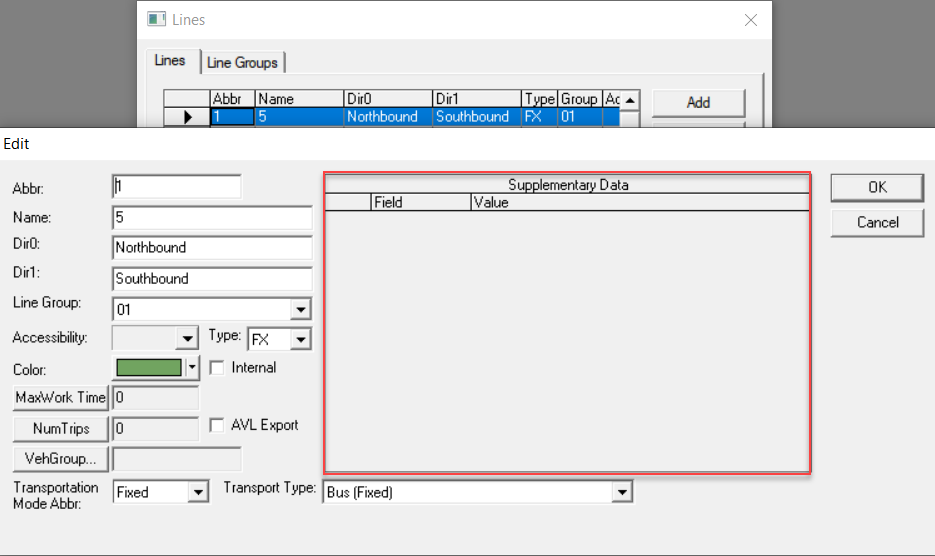
- Edit the values as required.
- Click OK.