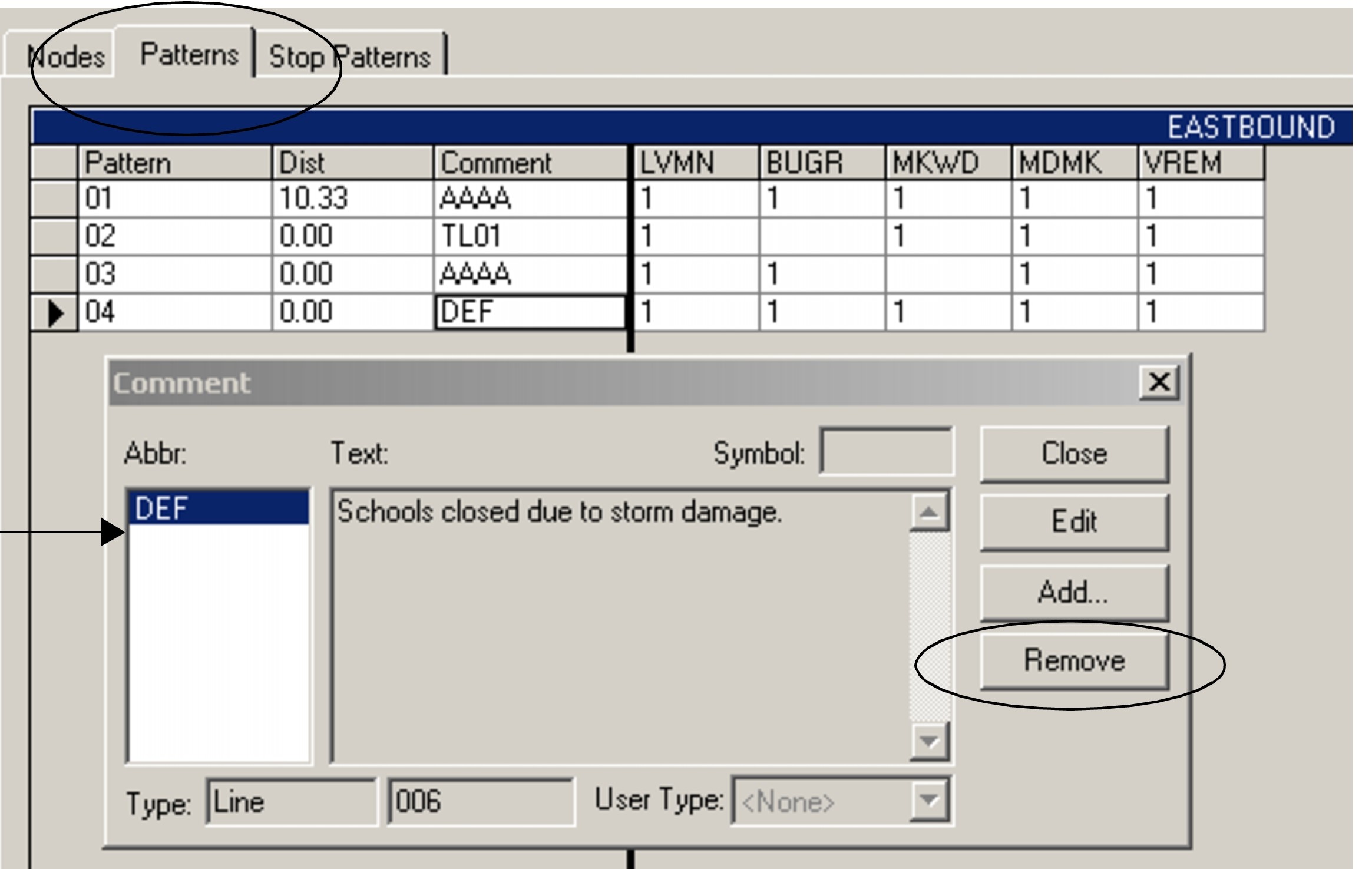
Removing Comments from Patterns Grid In the patterns grid you can directly remove or delete comments that are no longer applicable. Open the Pattern tab in the Route Definition screen. Click the field of the comment you want to remove. The Comment dialog appears. Only the comments in the selected pattern appear in the Comments dialog. From the Abbr list, select the comment you want to remove. Click Remove To remove multiple comments, repeat steps 1, 2, 3. Click Close.