
Viewing Total Statistics
The Total Statistics tool shows you the summary of statistics of the trips in your current context.
-
Click .
The Total Statistics dialog appears.
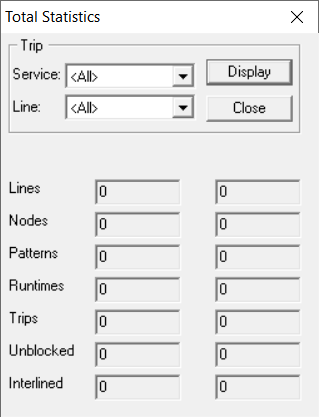
- In the Trip frame, select the service you want from the Service dropdown list.
- From the Line dropdown list, select the line whose trip statistics you want to view.
-
Click Display.
The data appears for both directions.
- Click Close.