
Adding Points as a New Layer
Specific points on the map can be defined as new map layers.
-
Click New Layer.
The Select New Layer dialog appears.
- Select Points.
- Click OK.
-
Select the Points checkbox that appears at the top of the
Static Map layers list.
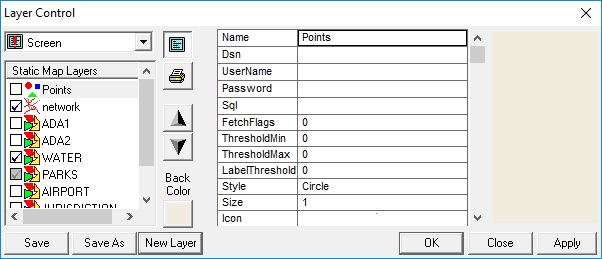
- Click Save.
- Define the settings for the new layer in the fields on the right frame.
- Click OK.