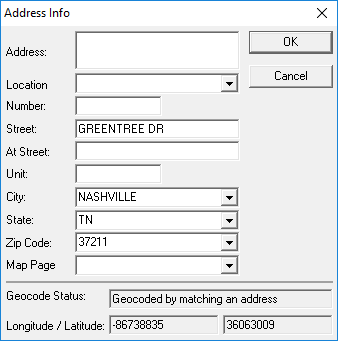
Opening the Address Info Dialog The Address Info dialog shows address field labels for typed values. Use this option to confirm you have typed things in the correct field, or if you want to know what additional information can be added. Move your pointer over an address box. Right-click and click Info. The Address Info dialog appears.