
Editing Service Groups
Assigning the days that apply to your service group has a time-saving benefit when rostering.
- On the Service Groups tab, highlight the desired service.
-
Click Edit.
The Edit dialog box appears.
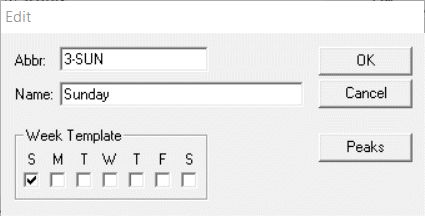
- Make the changes you want in the Abbr and Name fields, the days of the week that apply to this service and peak periods as necessary.