Trip Building with Exceptions
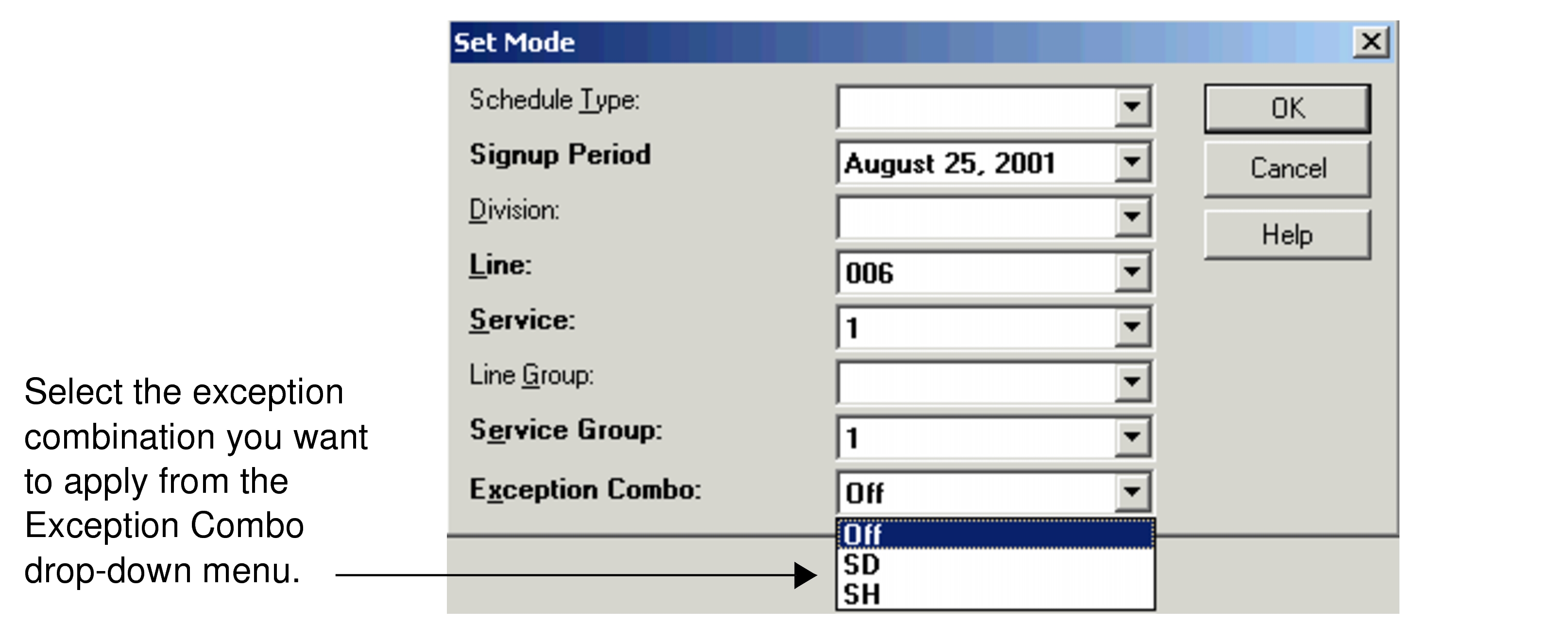
You can set an exception combination from the Exception Combo drop-down list in the Set Mode dialog box. As a result, only trips with exceptions compatible with the selected exception combination appear in the Trips grids of the Trip Building screen.
-
Select Line, Service, and
Service Group.
Trips that do not have exceptions but match the other required settings (Line, Service, and Service Group) appear in the Trips grid.
For example, when you set your context and select SD in the Exception Combo drop-down list, the trips marked with the SD exception as well as the trips without exceptions appear in the grid. Trips, which are marked with other exceptions such as #SD, do not appear.
-
Select Off to display trips with and without exceptions in the
Trip Building screen.