About Find Closest Wizard
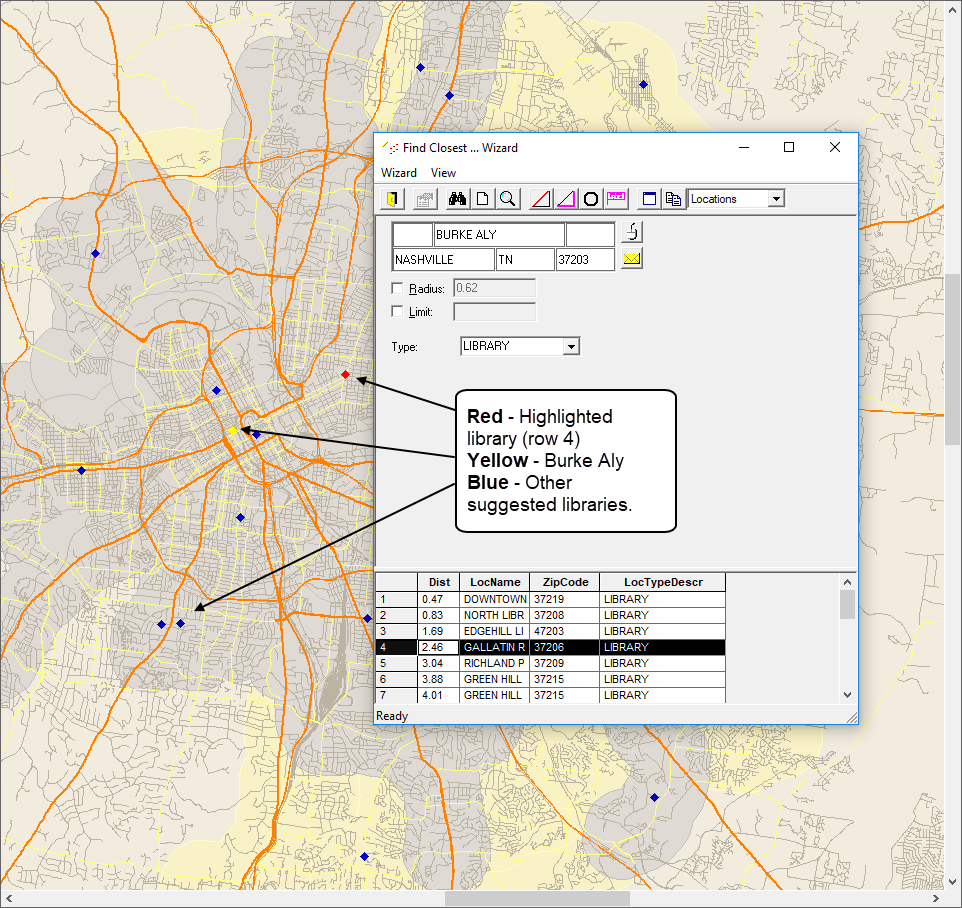
Use the Find Closest Wizard to search for vehicles, stops, locations, client addresses, or events within close proximity to a specific address.
For instance, the Find Closest Wizard can help verify that a stop is on your map if you cannot find it using other methods. Similarly, you can click map items within the map view to see the related entry within the listed search results.
The top record is the closest location. The final record is the farthest location. Select a
record to view the corresponding location on the map.