Place text in quotation marks for exact match search results.
Importing Farebox Data
Farebox data refers to the fare count. The data recorded depends on the farebox system used by the transit site.
Click Ridership > Import Data > Farebox File.
The Open dialog box appears.
Navigate to the csv file that contains the farebox data and click Open.
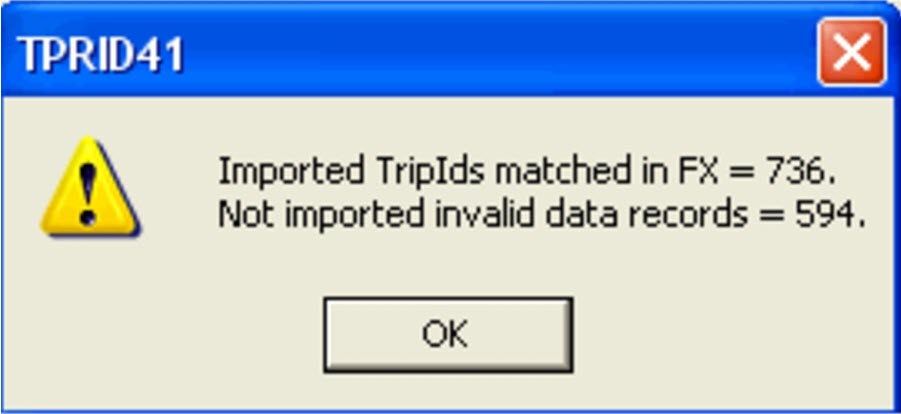
After the file is imported, a message appears informing you of the number of imported
records and invalid data records, if any.The data shown in the message box resulted from matching farebox data on the route
(lineabbr), pattern (route number), start time, and segmentID (pattern abbreviation)
with the FX trips.