
Viewing Farebox Data
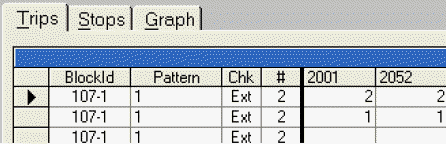
You can view the farebox data that shows the fare count using the Ridership - On Time Performance Criteria dialog box.
-
On the Trips tab, click .
The fare count is shown on the grid.
You can view the farebox data that shows the fare count using the Ridership - On Time Performance Criteria dialog box.