
Accessing the Spatial Analysis Screen
You can open the Spatial Analysis screen through the Task menu or the main toolbar.
-
Do one of the following steps:
- Click .
- Click the Demographic/Location Analysis button:

The option, Analysis, is shown between Task and Tools on the main menu. The screen toolbar shows the commands that are used on the Spatial Analysis screen. The following graphic shows the three tabs of the screen. The tabs are empty when first opened.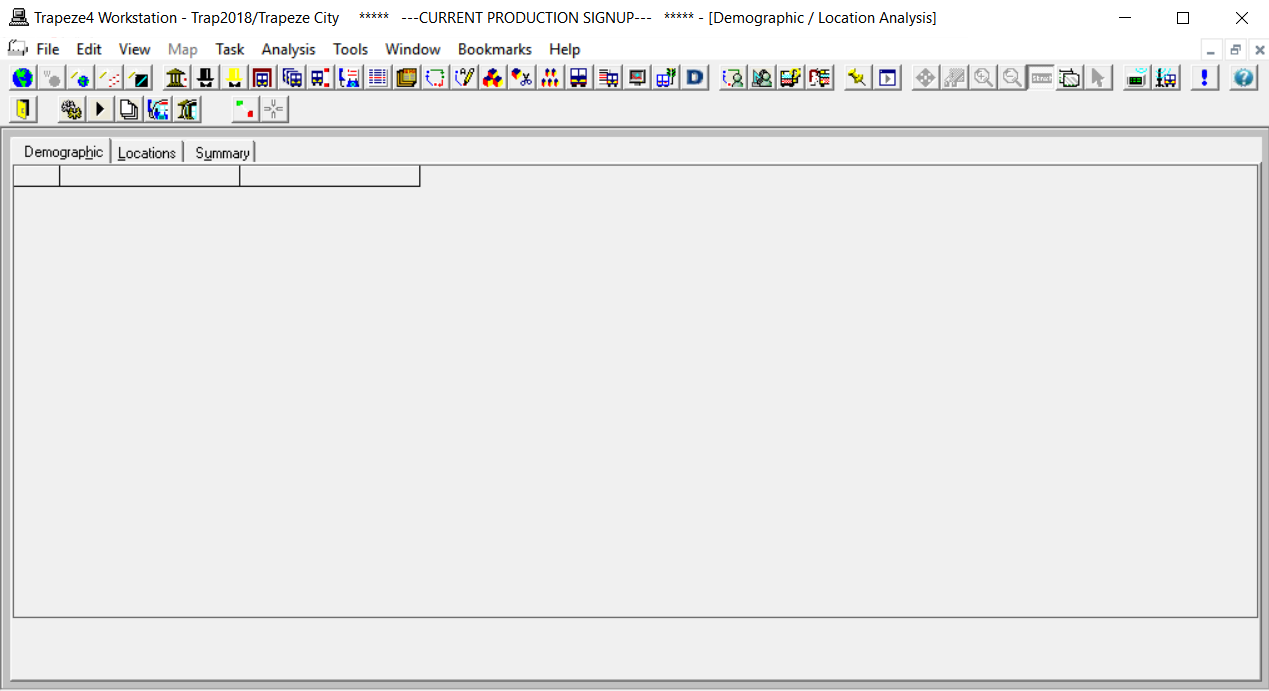
- Optional:
If the system map is not visible, click the System Map button:
 The map is displayed by default on the right section of the screen.