
Timekeeping New Features
Timekeeping enhancements have been added between v21.11 and v21.22. 
Pay Rules
- The Include Activity Group and Exclude Activity
Group fields can now be used to define activities that are eligible and
ineligible for Premium pay when using the Rule Class:
Premium (for example, if lunch is ineligible for premium pay).
You cannot apply both an include activity group and an exclude activity group to the same
rule.
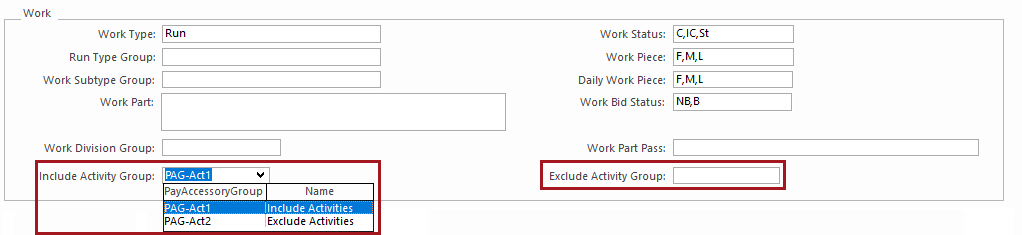
Activity groups are defined in Pay Accessory Groups using Activity Codes.
When creating Work Subtypes to use these activity groups, the Activity Flag must be selected.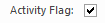
- New fields were added to distinguish whether absences are the first, middle, or last
absence of the day and cost them accordingly:
- AbsenceDayStatus. Options are Always, Any absence, No absence, Single absence, Multiabsence.
- DailyAbsencePiece. Options are F (First), M (Middle), and L (Last).
