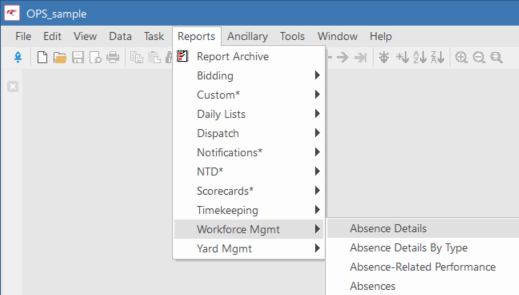
Adding Reports to the Menu
Reports can be added to system menus in Trapeze6.
- Select .
-
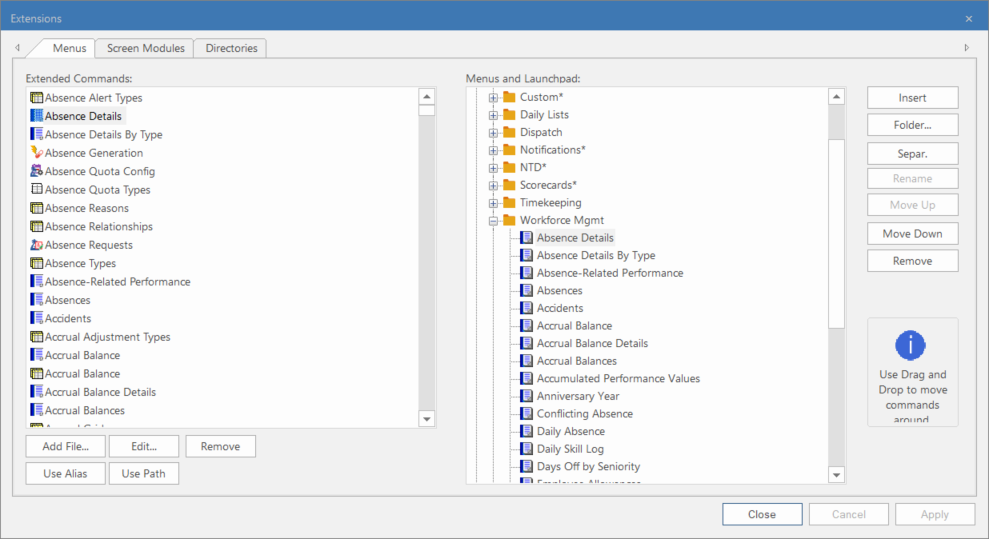
On the Menus tab, select Add
File.
If the report already appears elsewhere in the menus, it should appear in the Extended Commands list. You do not have to readd the report.
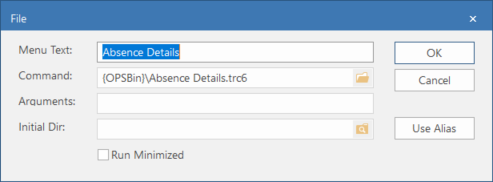
If the file name of the report or its file path changes, you can update the Command information to match.
-
Do one of the following:
- Select Close.