
Setting Crystal Report Options
You can save options controlling how the report runs.
-
In a Crystal report, select Settings:

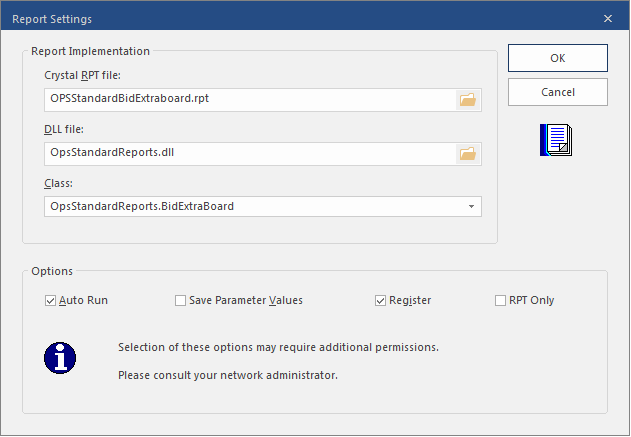
- Select Auto Run to automatically run the report when it is opened.
- Select Save Parameter Values to save the values you enter for the next time the report runs.
- Select Register to add the report's .dll to the Windows registry.
- Select OK.