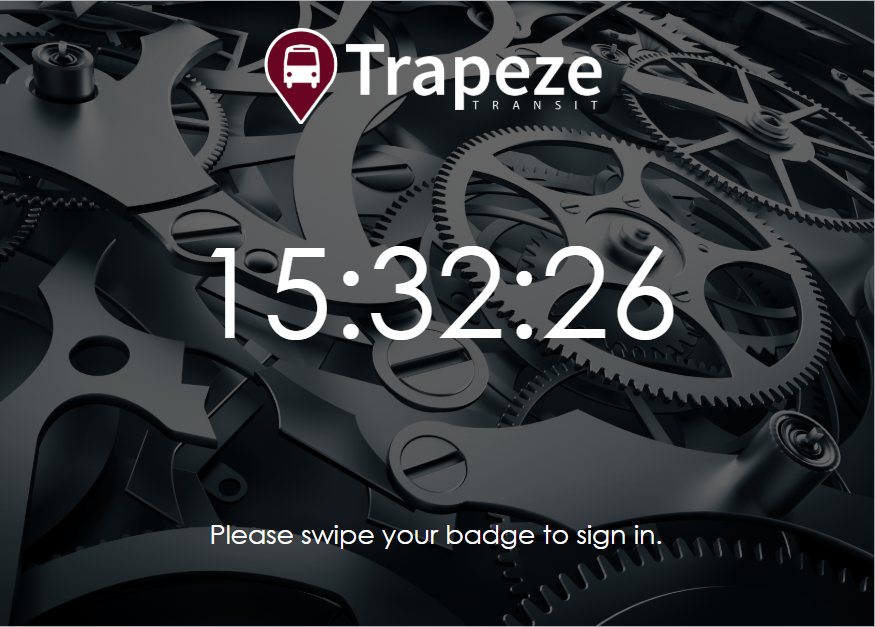
After Sign-In Terminal is set up, employees can sign in to or out of work.
Depending on the agency configuration, employees can sign in using a driver's license,
swipe card, proximity card, or fingerprint.
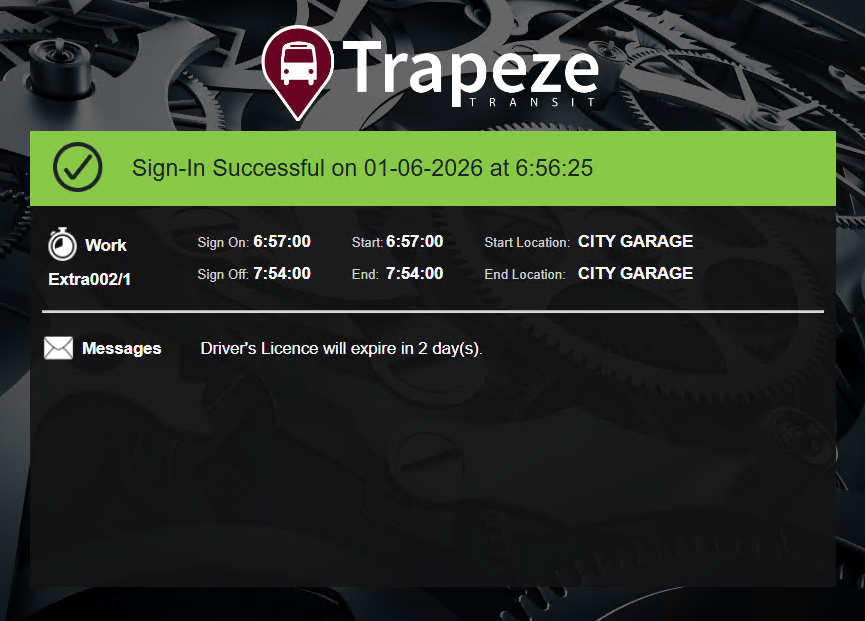
After a successful sign in, work information is shown. This includes any dispatch messages
or detour messages. If there's only one message, it's shown on the screen. If there
are many messages, a message asks the employee to check their receipt to see all of the
messages.
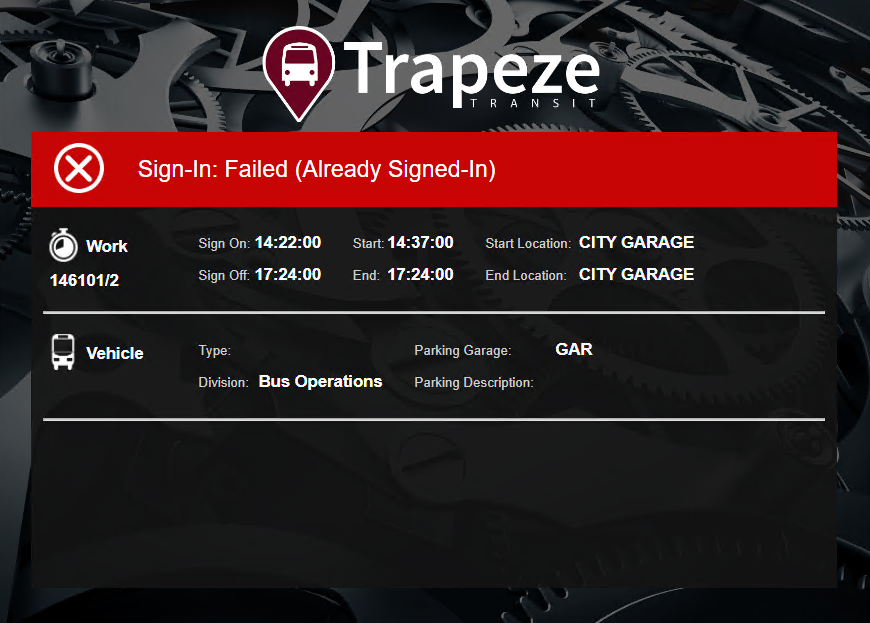
If the sign in or sign off is unsuccessful (for example, trying to sign in a second time),
an error message appears.
Depending on agency policies, if the sign in is too late, the system may create an absence
and open the work.
Depending on your agency's configuration, a printed receipt may be available.