
About the LDAP Configuration User Interface
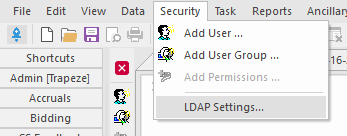
You can access the LDAP Settings screen in the Trapeze6 Service Shell and configure your LDAP connection.
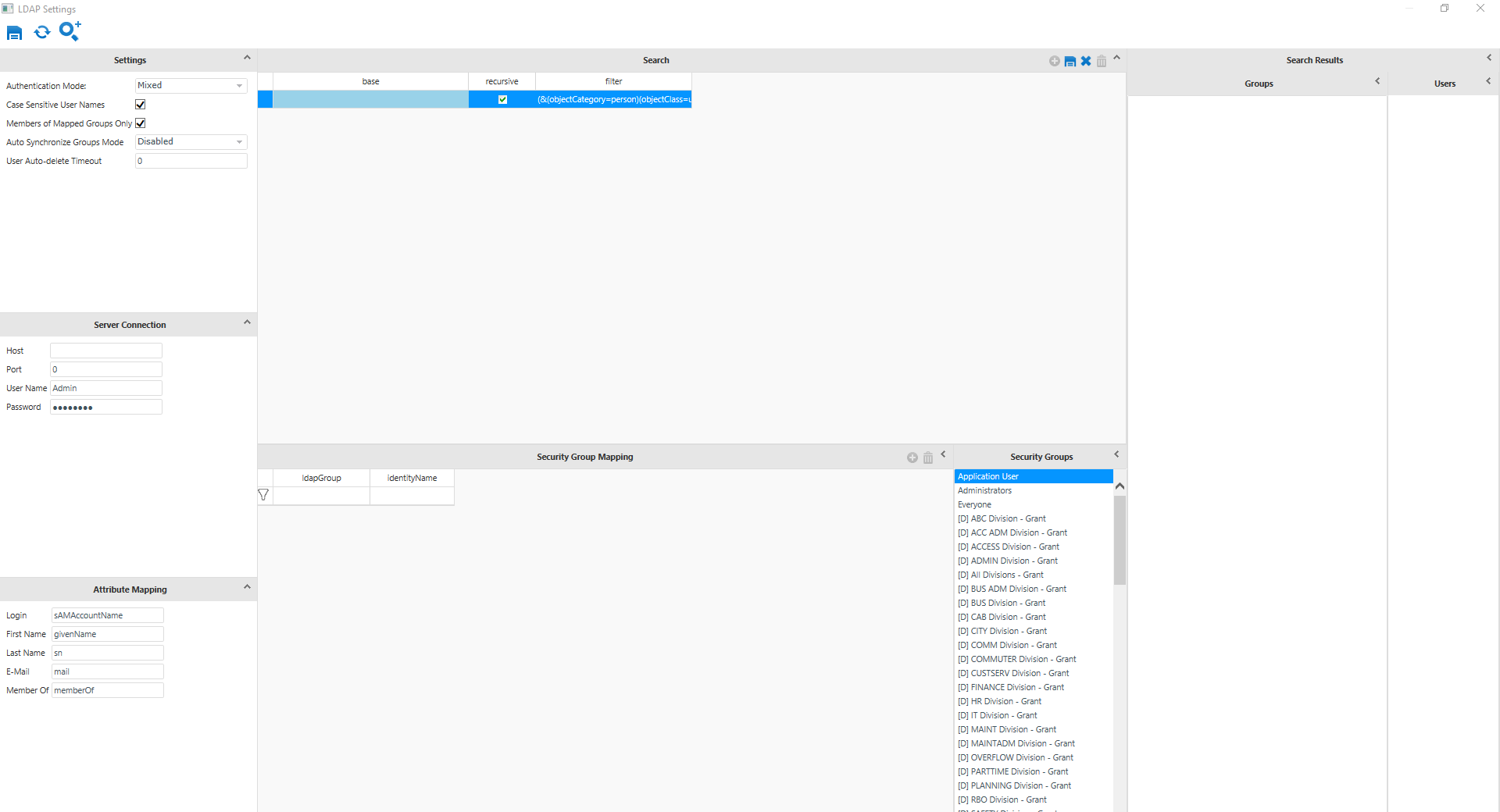
The screen has three main sections.:In the left column are the settings that determine how you connect to the LDAP server and manage groups: Settings, Server Connection, and Attribute Mapping. In the center column, you can use the Search feature to specify what part of the LDAP structure to search and the Security Group Mapping to map LDAP groups to your Trapeze security groups. In the right column are Groups and Users found by the specified search.
Changes in LDAP Configuration screen do not have any effect on LDAP security until you
click the Save button:
To reload the current LDAP settings from the server configuration, click the
Refresh button: 