
Removing Permissions From Users and User Groups
You can remove a permission set for a user or user group.
- Do one of the following:
- Click .
Depending on your system setup, Security may be found in a different location.
- Click the Security shortcut:

The Security screen appears. - Click .
- Do one of the following:
- Navigate to .
- Navigate to .
- Click the user or user group from which you want to remove permissions.
- Open the permissions and in the permissions key table, select the permission to remove.
-
Right-click and click Remove Permissions.
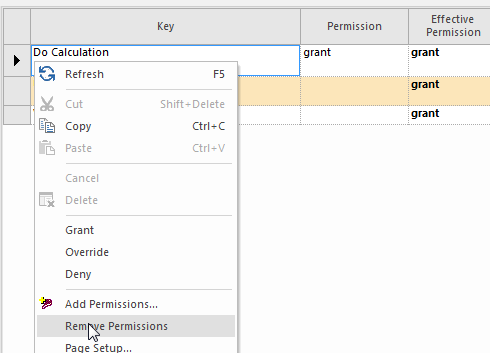
You can only remove permissions set in the user or user group. Inherited permissions cannot be removed.