
Viewing Dashboards and Reports
When you log on, the Call Dashboard report is displayed by default. It is the first option in the Voice Platform pane.
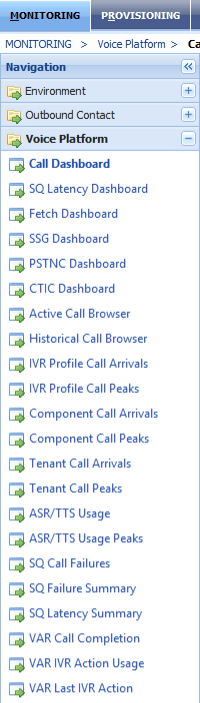
Click any of the dashboards or reports in the list.
Data filter options are displayed on the screen. After selecting and applying
the filters you want, the data is presented in the form of grids or graphs.