
Customizing Fields
You can change the fields of an existing sheet or customize the fields of a new or renamed sheet.
-
Do one of the following steps:
- On a screen in Detail view mode, click the Customize
Grid button:
 .
. - Right-click anywhere on the screen and select Customize from the shortcut menu.
The Customize dialog opens with the Grid tab shown by default.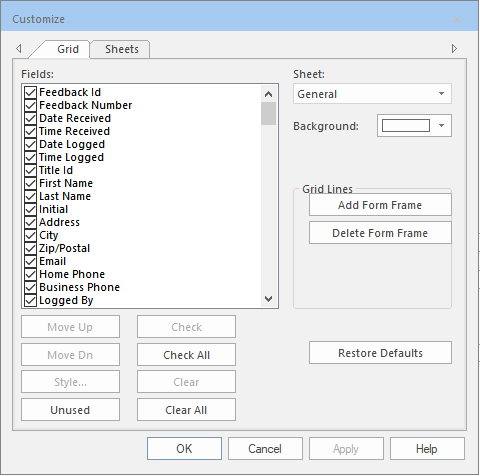
- On a screen in Detail view mode, click the Customize
Grid button:
- In the Sheet drop-down list, select the sheet that you want to customize.
- In the Fields list, select the fields you want to display on the selected sheet.
- Select the control buttons to perform tasks on the selected sheets.
- Click OK.