
Creating Menu and Launchpad Subfolders
You can add subfolders to the standard folders.
- Click .
- Select one of the four standard folders in which you want to create a subfolder. This is the folder where your newly created subfolders are placed.
-
Click the Folder button. The New Folder
dialog box appears.
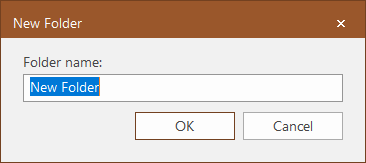
- In the Folder name field, type the name of the subfolder.
- Click OK.