
Viewing Email Logs
Email messages sent from COM are automatically logged on the system.
-
Click .
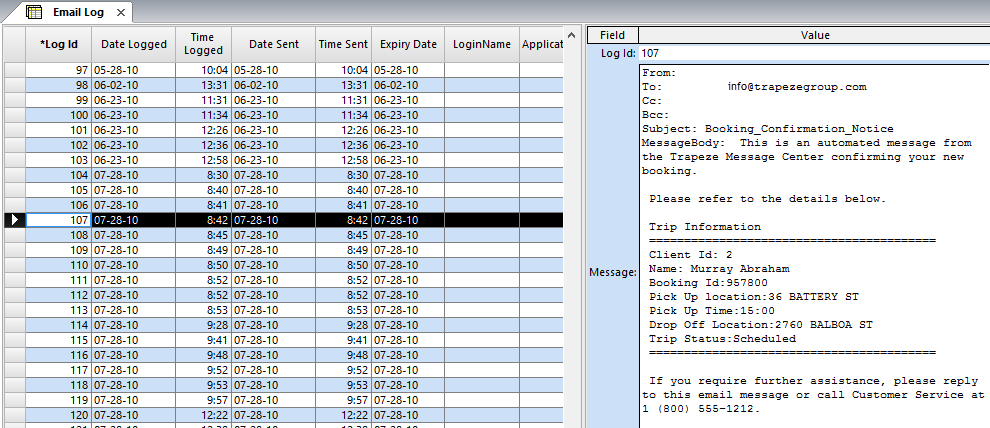
Email records are sorted by time with the earliest email messages at the top and the most recent email messages at the bottom.
-
To see the content of an email message, select the appropriate record in the
grid.
The right pane displays the contents of the message.