About the Detail Tab
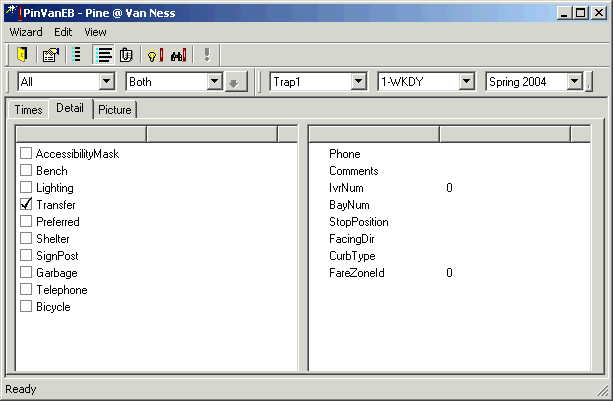
In the Show Stop dialog, click the Detail tab to view a wide variety of information including the physical attributes of the bus stop.
For example, you can find out if the stop is a timing point, has a shelter, or is wheelchair accessible. In the left pane, you can view more information such as comments, facing direction and phone number. All of this information is originally entered in the Bus Stops screen.