
About the Picture Tab
The Picture tab allows you to view a photograph of the bus stop location (if available at your site). The following graphic shows an example of a bus stop in the Picture tab.
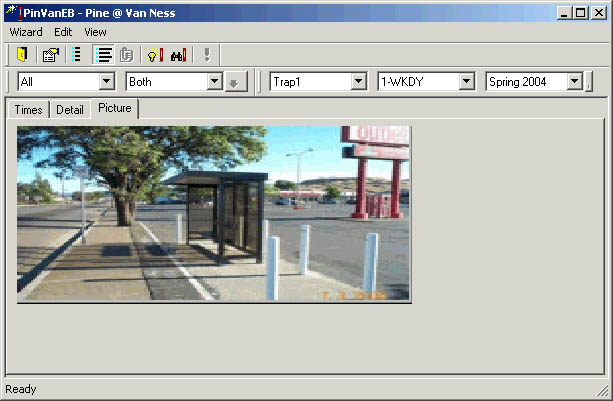
You may have to resize the dialog to display the picture clearly. Press the pointer over the edge of the dialog until the pointer becomes a double-headed arrow. Click and drag to resize.
When you are finished viewing the stop information, click the Close
button: 