
Deleting Remarks
You can delete existing remarks that are no longer valid.
-
Select Delete from the Options list and
click Go.
The Delete Remark screen appears.
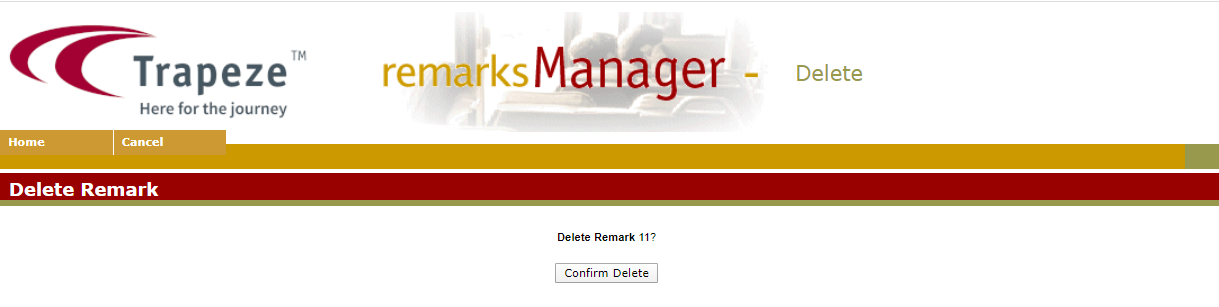
You can delete existing remarks that are no longer valid.