
Editing Remarks
You can edit existing remarks, which may be added to bulletins or general announcements, in the List of Remarks screen.
-
In the Options list, select Edit and
click Go.
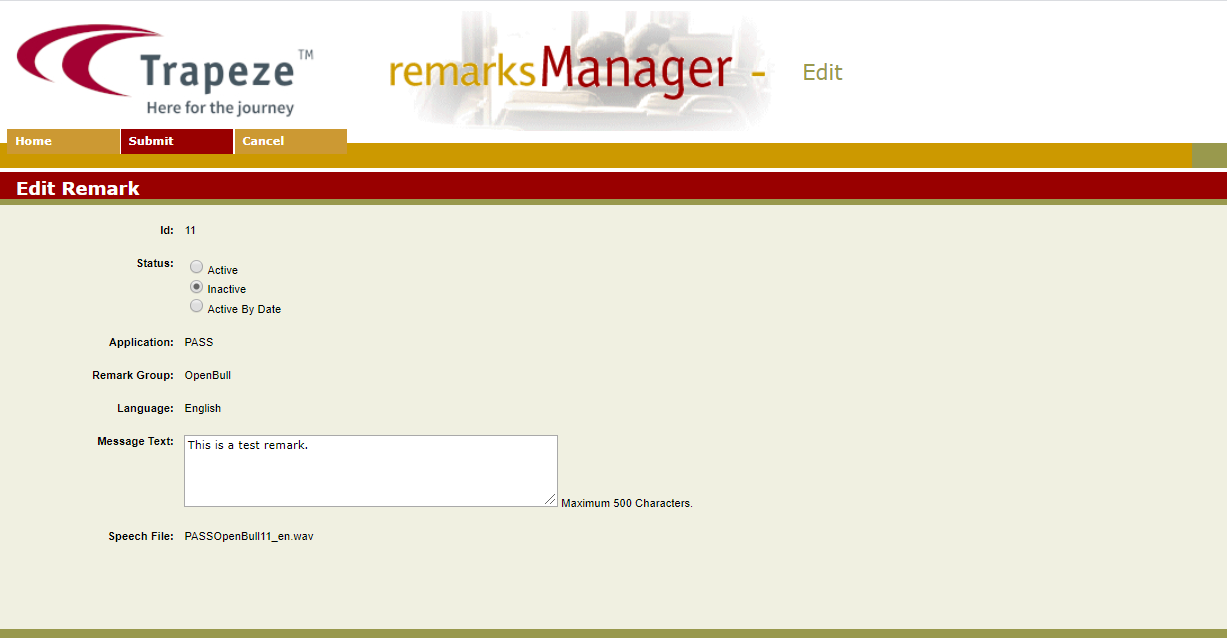
The Edit Remark screen appears.
You can edit existing remarks, which may be added to bulletins or general announcements, in the List of Remarks screen.