
Adding Components

When you select a dashboard or report, the toolbar that appears on the top section of the right pane allows you to add the components or IVR profiles that you want to include in the data results.

The following steps are an example of how to add IVR Profiles to a dashboard report.
  1. Click Add on the toolbar.
    Add Component Screen shot

    The Select IVR Profiles dialog appears.
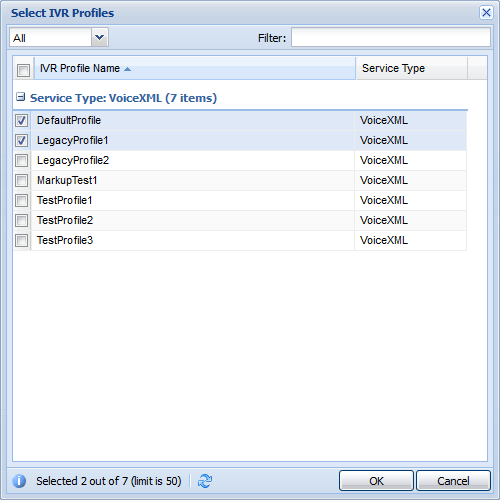
    Add Component Dialog box
  2. Select the profile that you want to add, and then click OK.
  3. Optional: In the Select Components dialog, select the option that you want to add.
  4. Click OK.
