
Sending Emergency Messages
If necessary, you can quickly send an emergency message to Dispatch.
About this task
The use of the emergency message feature depends on your agency's guidelines as to what constitutes an emergency.
Procedure
-
Tap the Emergency button on the top navigation bar:
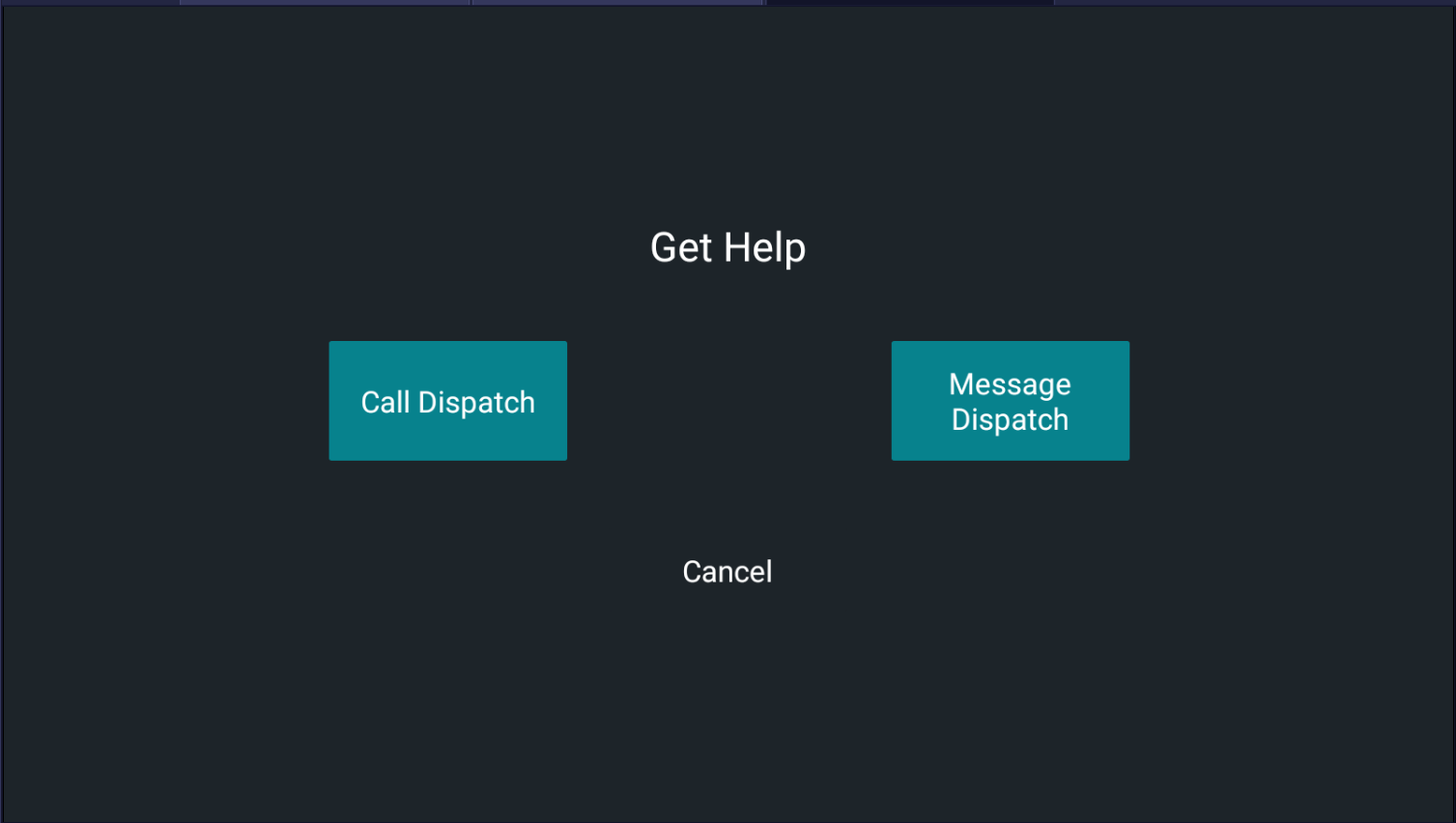
 The Get Help screen is shown. The Emergency button changes color to orange when the message is sent:
 .
. 
-
Tap the appropriate button depending on whether you want to speak with a dispatcher or
send a message to Dispatch.
The color of the Emergency button changes to red when Dispatch acknowledges receiving the message:
